 FPS
FPSRevisit the ring in a community Halo CE port, with campaign and private rooms.
Open project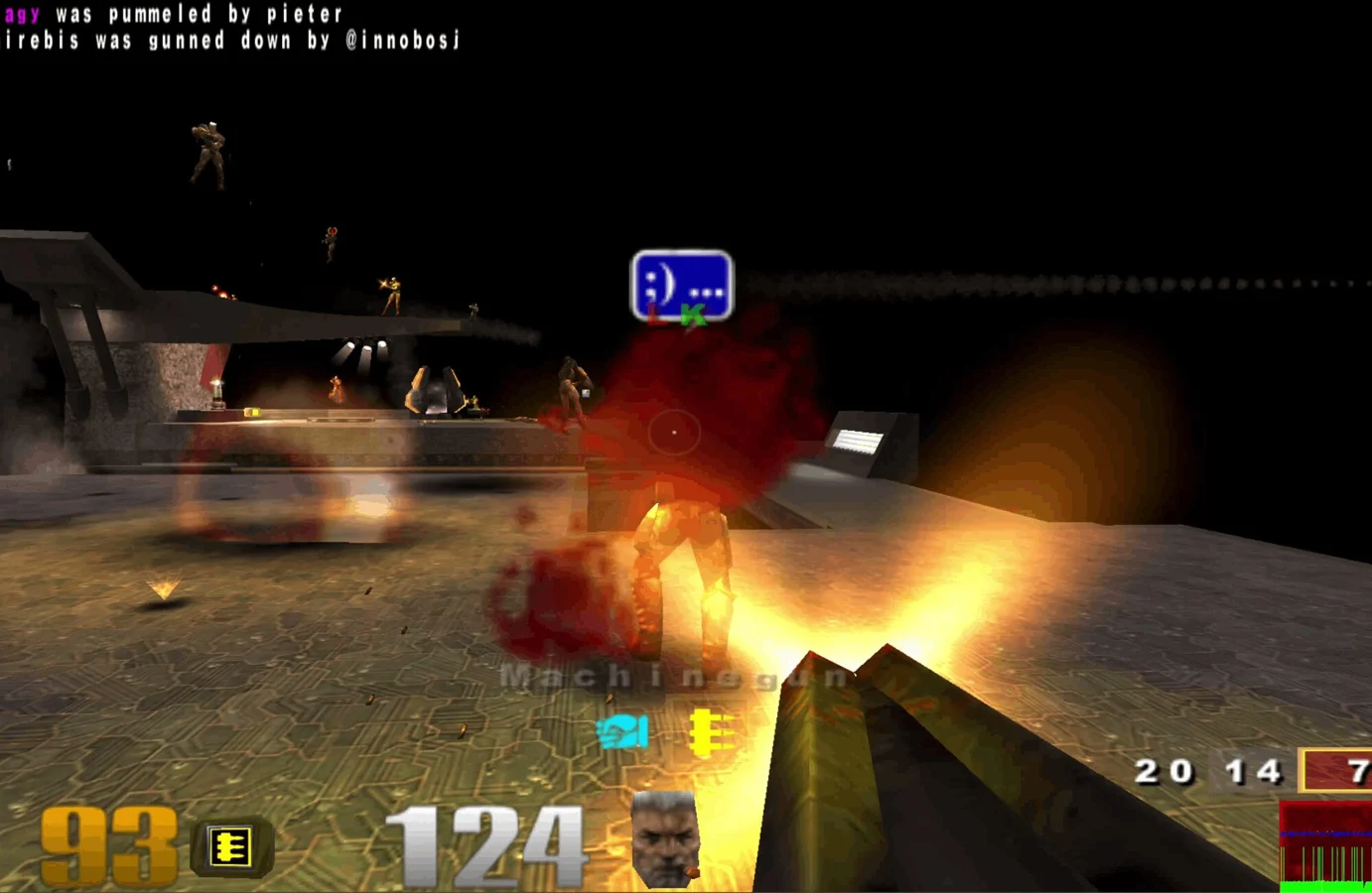 FPS
FPSFast arena matches, rocket jumps and a whole lot of respawning.
Play in your browserOpens the community project in a new tab.Enter a player name and press Play. Let the game resources finish loading. The project supports touch controls and gamepads.
Project page & creditsProject information reviewed 2026-10-11. The game runs on the linked project’s website.
This browser project includes touch and gamepad support. Open it directly on your phone and use its on-screen controls.
The browser needs to fetch the arena resources on first launch. Leave the game tab open while it loads.
FPSRevisit the ring in a community Halo CE port, with campaign and private rooms.
Open project FPS
FPS FPS
FPS FPS
FPS