Open a tab. Pick a game. Play.
These games need no installer or files from your own copy. Open the project, wait for its resources to load, and follow the controls on the game page. Free demos are marked separately.
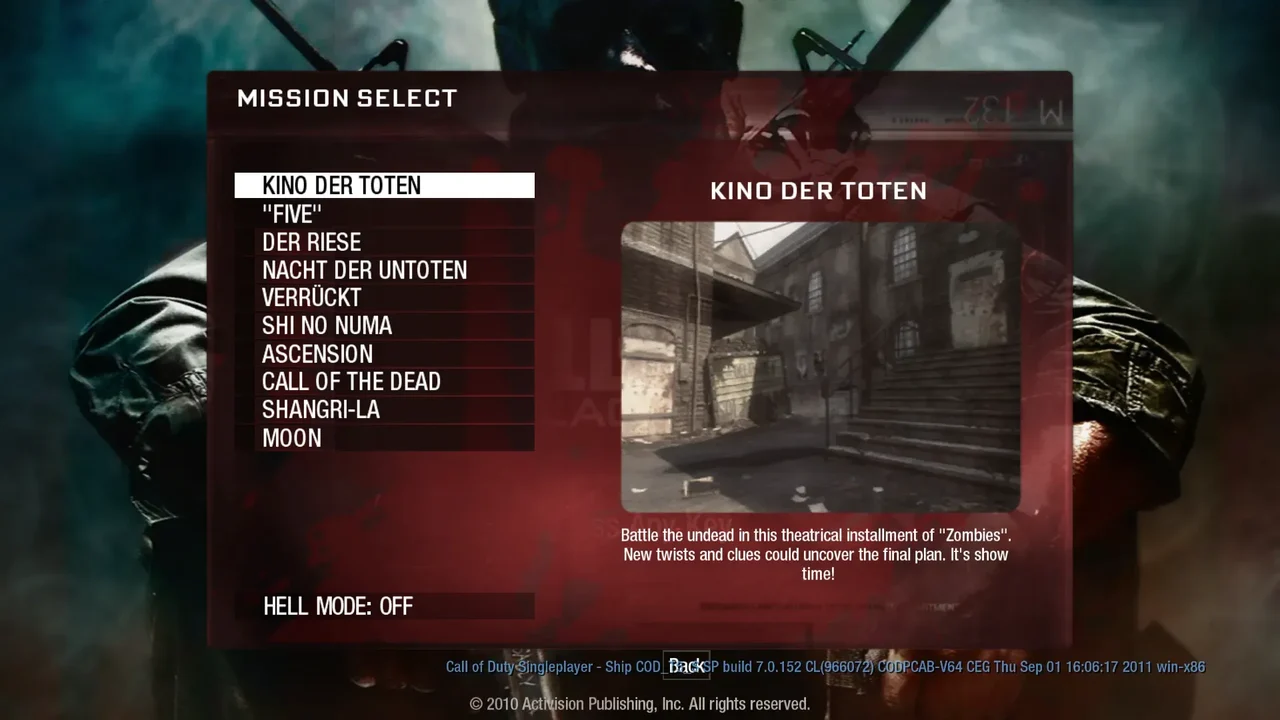 Survival
One more round. Survive the horde in a fan-made browser build of BO1 Zombies.
Play game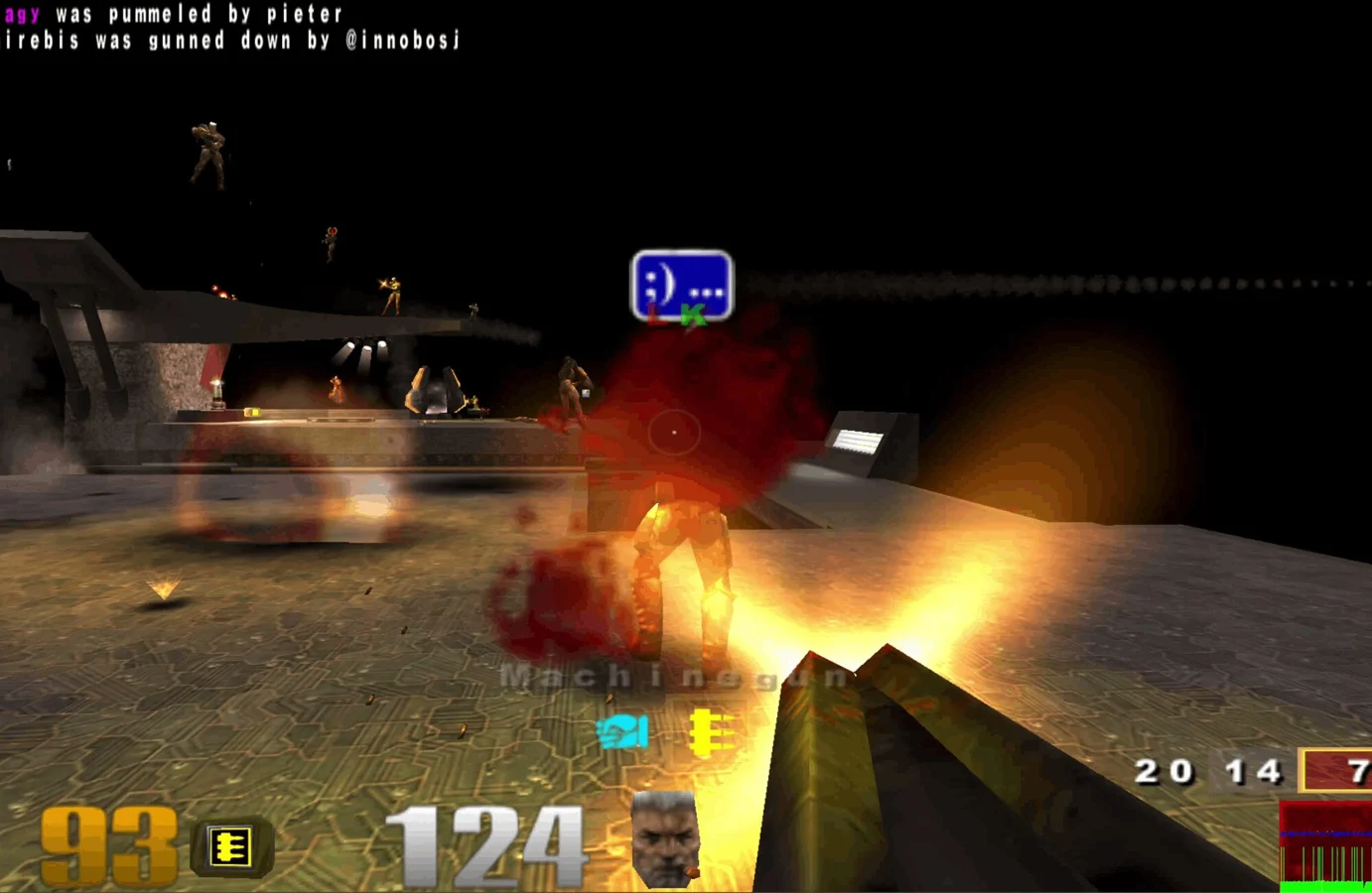 FPS
FPS Movement
 Sports
 RPG
RPGHead beneath Tristram in the original dungeon crawler. A free demo gets you started.
Play demo FPS
FPS FPS
FPS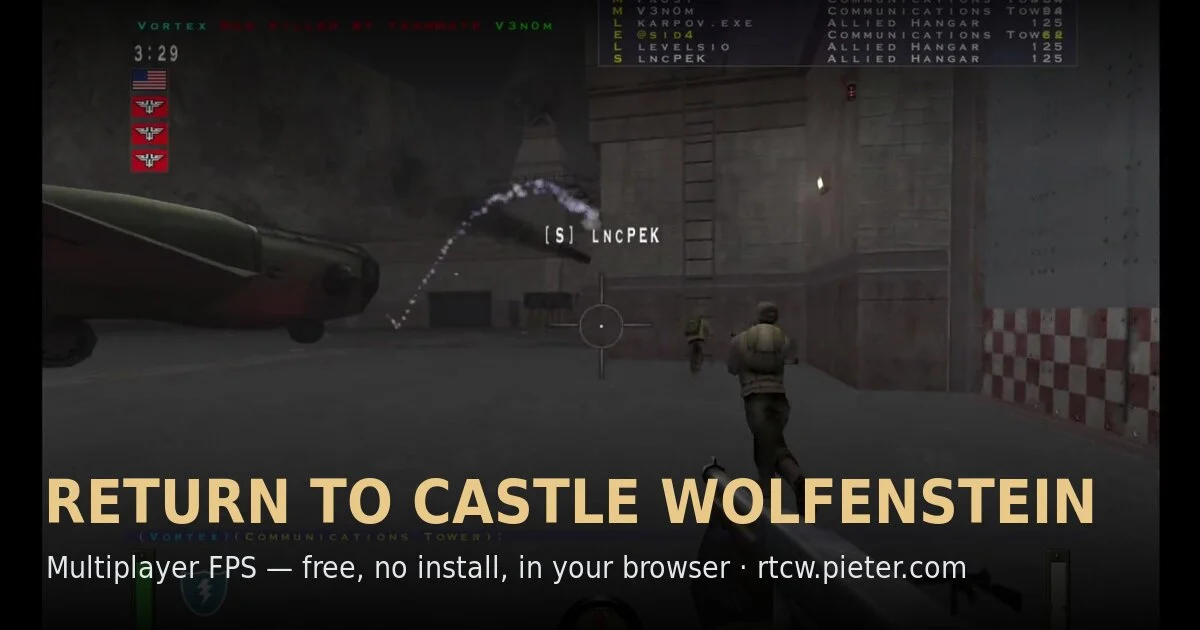 FPS
FPSTeam-based RTCW multiplayer in a community WebAssembly preservation project.
Play game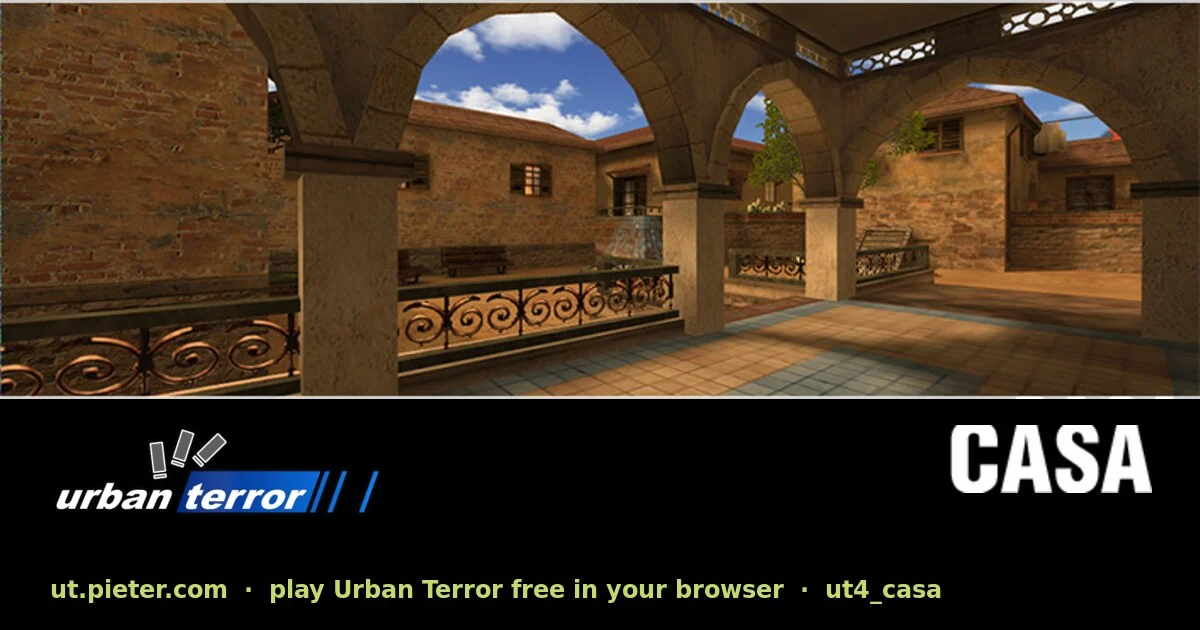 FPS
FPSTactical multiplayer with fast movement, running on a browser port of ioUrbanTerror.
Play game Sports
The PSP version of PES 6 in your browser, with touch controls, gamepads and online matches.
Play gameSandboxExplore Springfield in a WebAssembly browser build of the driving adventure.
Play gameFPSSandboxBuild with the original Classic block set in Minecraft’s own browser edition.
Play gamePlatformerRun, climb and time your sword strikes in PrinceJS, a browser recreation of the MS-DOS classic.
Play gameWhat “no download” means here
A browser still loads code, textures and audio. Large ports may take a few minutes the first time, and your browser may cache that data for later. You do not install a desktop launcher or select files from your own game copy for these entries.
For the quickest start, try a lightweight classic before a large 3D project. Keep the tab open during its first load. If a project opens a menu, click inside the game to give it keyboard and mouse focus.
Here from the Radiant Optimizer post? Find the full list