Bring a friend. Find a server.
These projects document multiplayer support. Find an arena shooter or a co-op session, then use the game guide to check the project’s connection method. A multiplayer label does not mean that every mode is available.
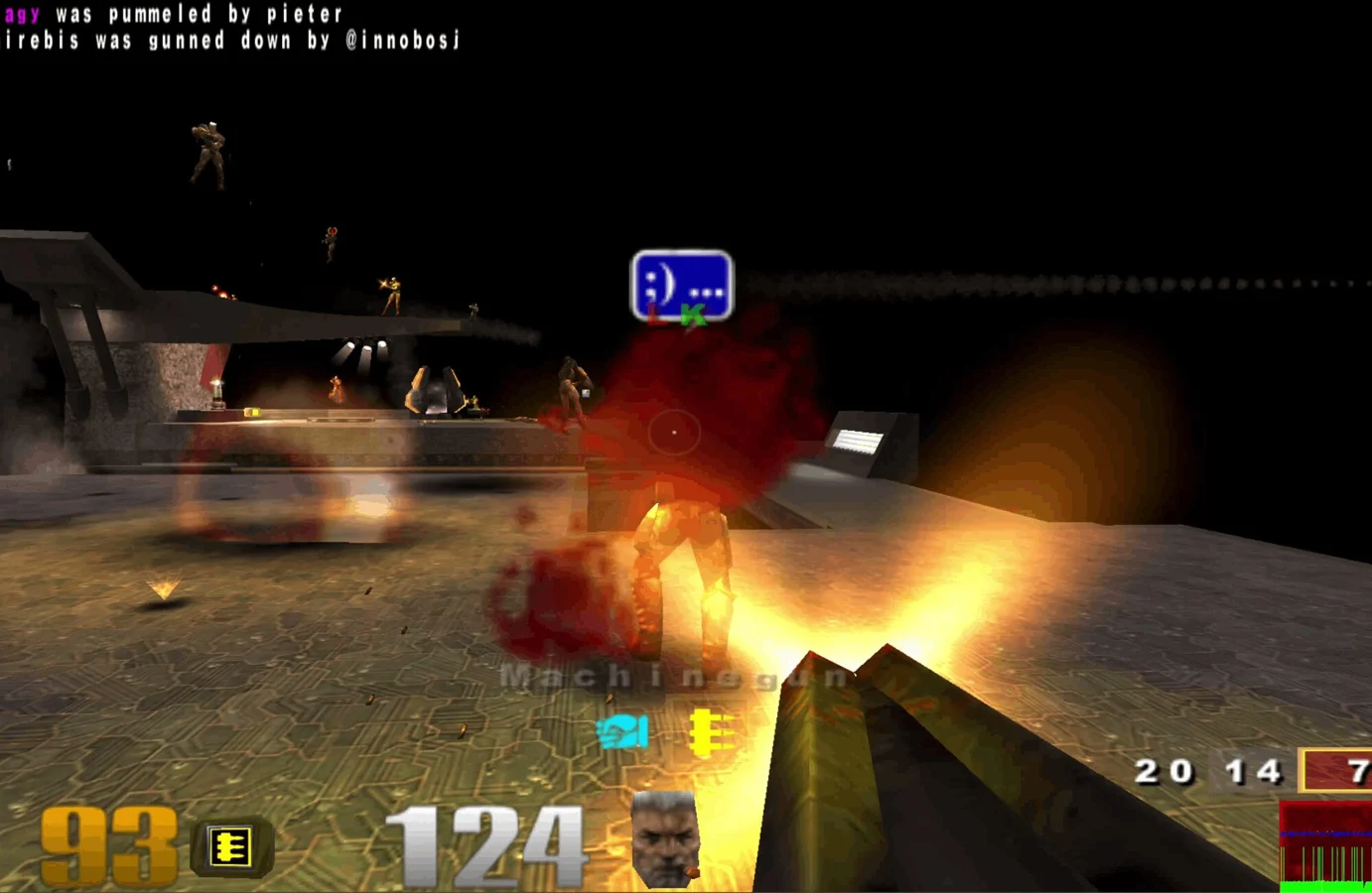 FPS
FPS Movement
 Sports
 FPS
FPSRevisit the ring in a community Halo CE port, with campaign and private rooms.
Open project FPS
FPS FPS
FPS FPSFPS
The Halo CE browser project built around touch controls and controller play.
Open project FPS
FPSLoad your own classic Counter-Strike files with the WebXash browser client.
Open project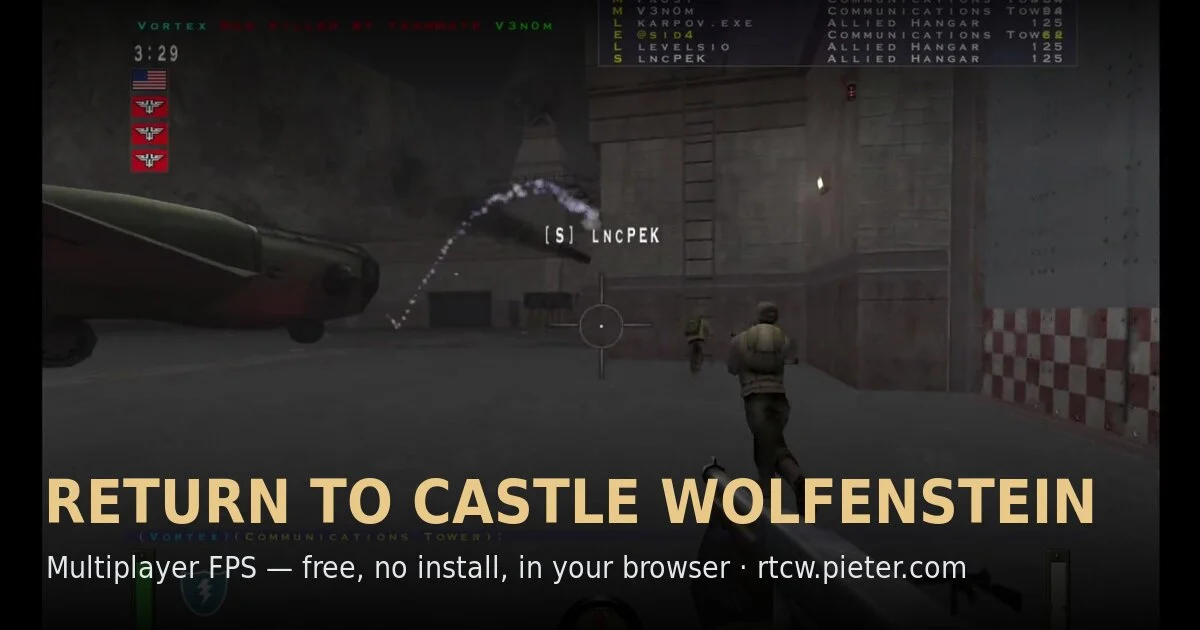 FPS
FPSTeam-based RTCW multiplayer in a community WebAssembly preservation project.
Play game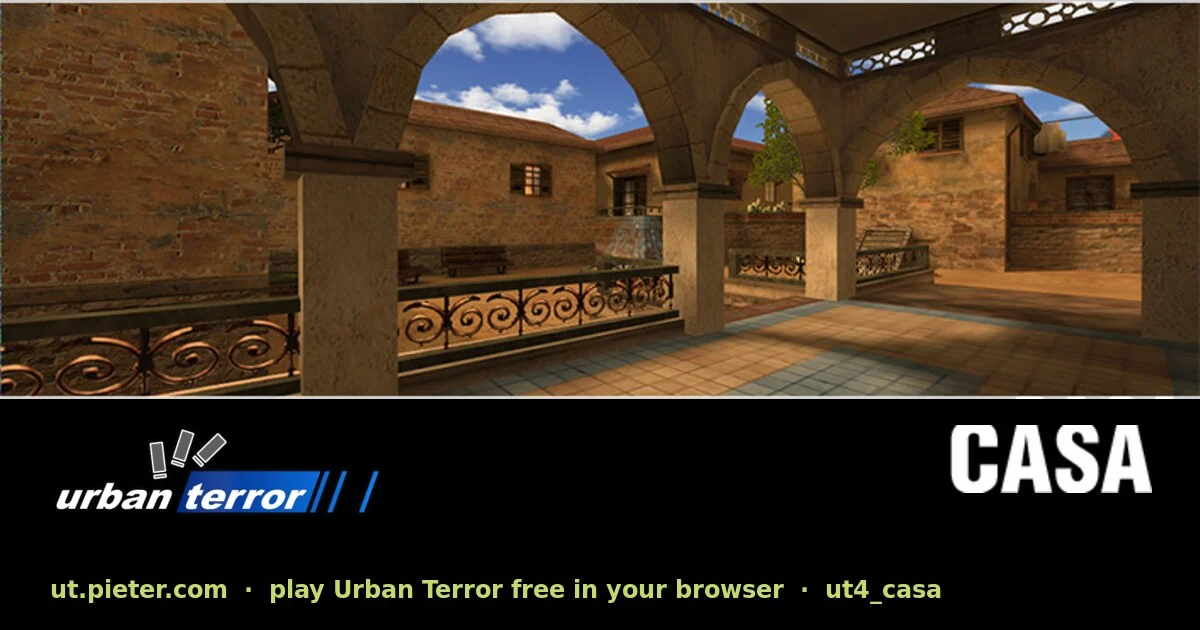 FPS
FPSTactical multiplayer with fast movement, running on a browser port of ioUrbanTerror.
Play gameSportsThe fan skating project linked in Radiant Optimizer’s original browser-game list.
Open project Sports
The PSP version of PES 6 in your browser, with touch controls, gamepads and online matches.
Play gameFPSSandboxBuild with the original Classic block set in Minecraft’s own browser edition.
Play gameHow to get into the same game
Open the same project and check its server list or join instructions. Some projects offer public servers; others need a server address or a shared session. Friends should use matching game versions and any required game files.
If you can launch but cannot join, check the project’s server status and browser instructions. Keep the game tab active while playing. Voice chat and a game account, where needed, are handled by the project you open.
Here from the Radiant Optimizer post? Find the full list