
Skate 3 Clean Room
Find a new line in a community skate park engine rewrite.
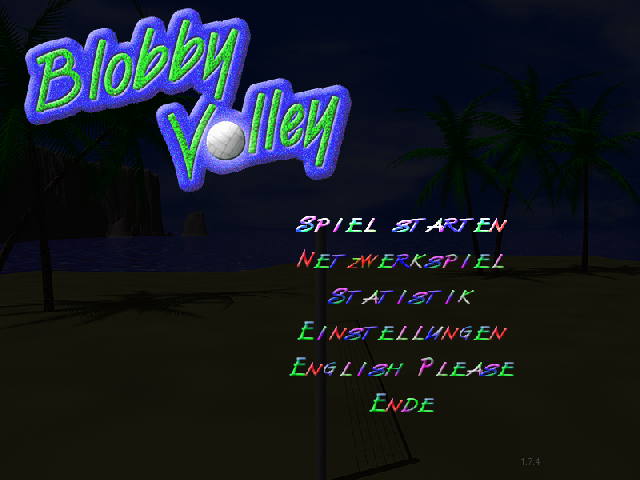
Bounce a volleyball over the net with a jumping blob, playing the computer or a friend on the same keyboard.
Play in your browserOpens the community project in a new tab.The original freeware Blobby Volley runs through Wine-Assembly. Control your blob’s position and jumps so the ball lands on the opponent’s side while keeping your own returns legal. The opening menu lets you choose a computer opponent and configure players. Multiplayer here means local two-player play; the browser listing does not promise online rooms.
Project page & creditsProject information reviewed 2026-10-16. The game runs on the linked project’s website.
Find a new line in a community skate park engine rewrite.
The fan skating project linked in Radiant Optimizer’s original browser-game list.
The PSP version of PES 6 in your browser, with touch controls, gamepads and online matches.
Steer downhill between trees and skiers, try jumps and see how long you can outrun the yeti.