SkiFree
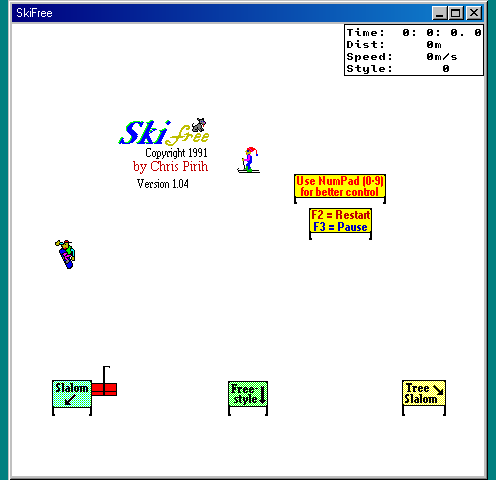
Steer downhill between trees and skiers, try jumps and see how long you can outrun the yeti.
Ride snowy parks, link spins and grabs, and land trick lines in a free 3D browser skiing game with solo and online modes.
Play in your browserOpens the community project in a new tab.Cork7 runs on its own site with WebGL 2. Solo needs no account; multiplayer and ranked racing require a free account. Choose Ride, a park and Ride Solo, then take the gondola or press F to reach the top. Local replays stay in this browser even when you sign in elsewhere. Desktop keyboard controls are recommended; touch controls and gamepads are also documented by the project.
Project page & creditsProject information reviewed 2026-10-24. See the launch notes for where the game runs and which files it needs.
Steer downhill between trees and skiers, try jumps and see how long you can outrun the yeti.
Find a new line in a community skate park engine rewrite.
Pilot an anti-gravity racer over elevated city tracks, hit speed pads and chase a cleaner three-lap time.
The fan skating project linked in Radiant Optimizer’s original browser-game list.