
GTA: Vice City
Bring your Vice City game data to a browser port and head back to the neon streets.
 Sandbox
Drive, explore and take on Liberty City missions in WASM Arcade’s community browser build of GTA III.
Play in your browserOpens the community project in a new tab.GTA III combines city exploration, driving and story missions. You play Claude in Liberty City, switching between travelling on foot and using vehicles. This entry opens WASM Arcade’s re3-based browser project for the 2001 game. A desktop keyboard and mouse are the starting point for this guide. Pressing Play GTA III also opens a sponsor page in another tab; return to the game tab to continue loading.
Project page & creditsProject information reviewed 2026-10-16. The game runs on the linked project’s website.
Bring your Vice City game data to a browser port and head back to the neon streets.
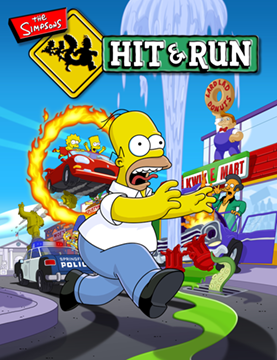 Play nowOpens in a new tabSandbox
Explore Springfield in a WebAssembly browser build of the driving adventure.
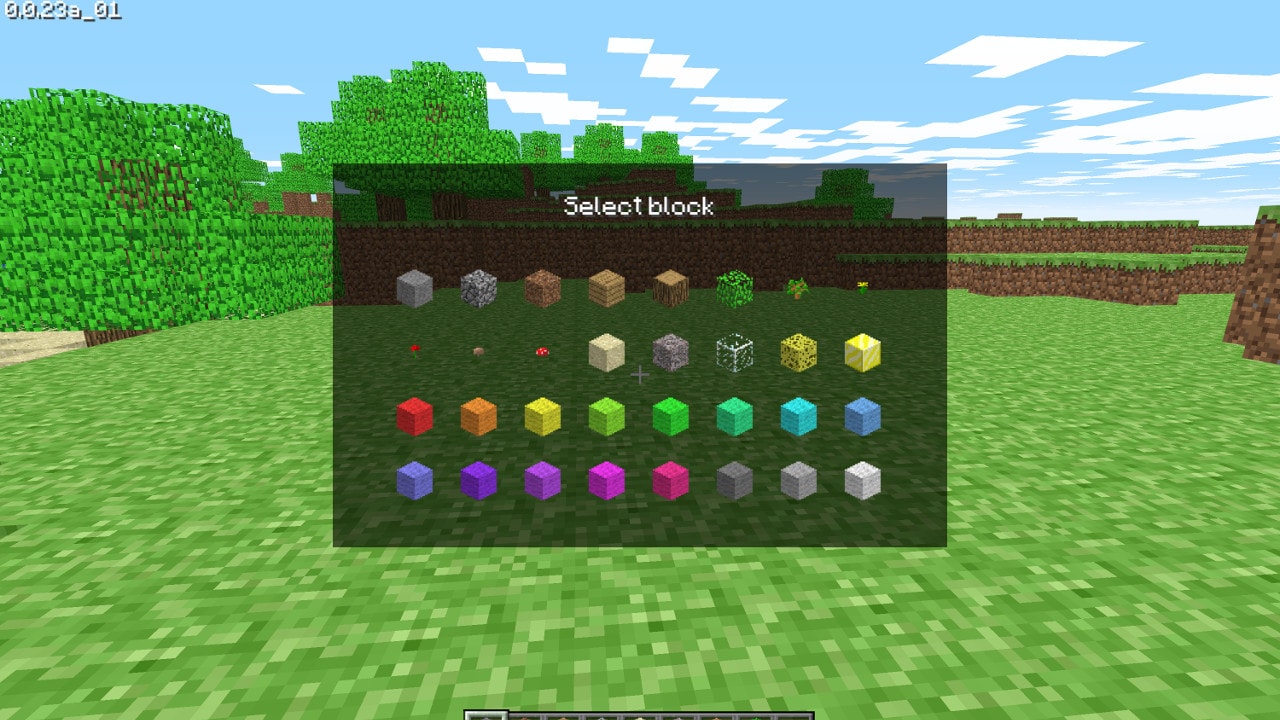 Play nowOpens in a new tabSandbox
Build with the original Classic block set in Minecraft’s own browser edition.