
 Play nowOpens in a new tabSurvival
PokéSurvivor
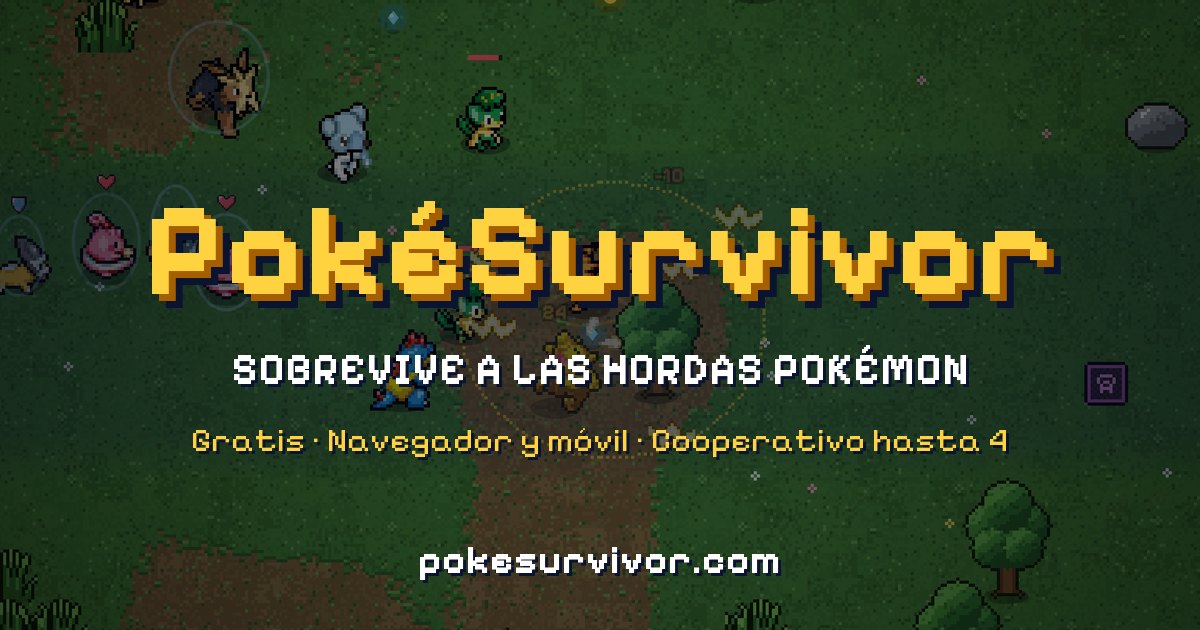
Choose a Pokémon partner, dodge wild hordes and upgrade automatic attacks in jpter78’s free browser survival fan game, with optional four-player co-op.
Explore 3D terrain, survive Pokémon hordes and develop a partner’s attacks in Charcher’s browser survival fan game inspired by Megabonk.
Play in your browserOpens the community project in a new tab.Use Charcher’s original pokebonk.com, which requires JavaScript and WebGL. The welcome screen offers guest play and accounts; its current notice says guest progress is stored on the server and tied to this device. Choose a partner, read its abilities and select a run from the game menu. Controls and modes change during beta, so use the live Settings. This is an unofficial Pokémon fan game.
Project page & creditsProject information reviewed 2026-10-24. See the launch notes for where the game runs and which files it needs.
Play nowOpens in a new tabSurvivalChoose a Pokémon partner, dodge wild hordes and upgrade automatic attacks in jpter78’s free browser survival fan game, with optional four-player co-op.
 Play nowOpens in a new tabSurvival
Choose a Warcraft-inspired character, survive waves of enemies and build up automatic skills in Aethus’s fan-made survival roguelite.
 Play nowOpens in a new tabStrategy
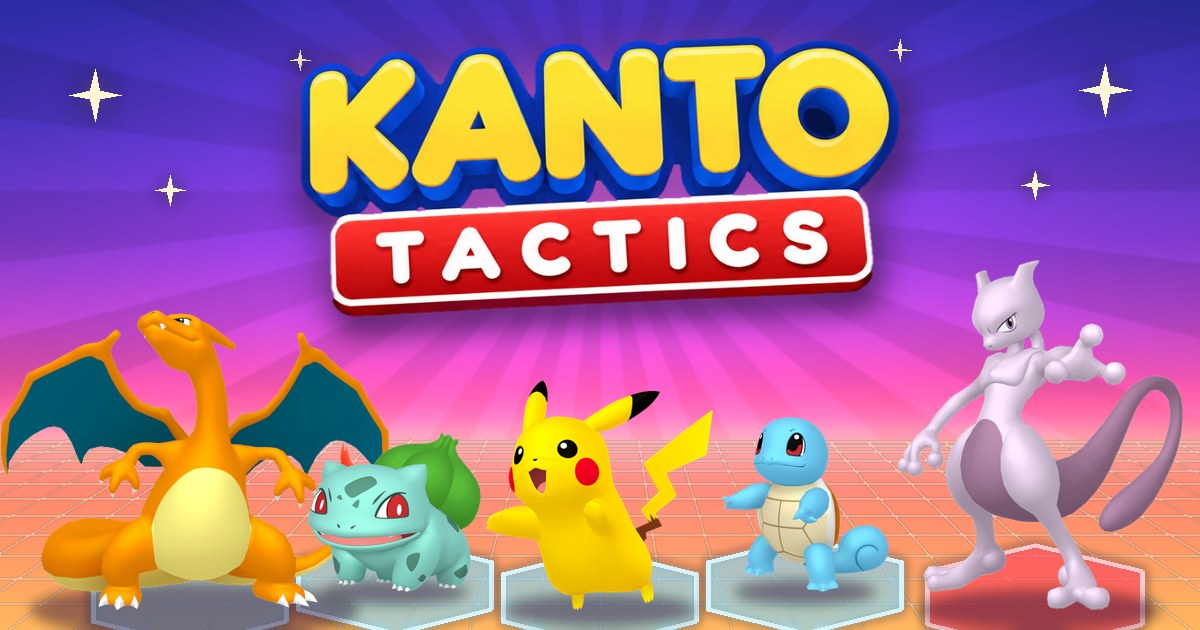
Build a Pokémon team, combine types and evolve matching units in Einoow’s free browser autobattler set in Kanto.
Hold the barricades and survive another round in this standalone, Quake-powered Zombies demake.