DX-Ball
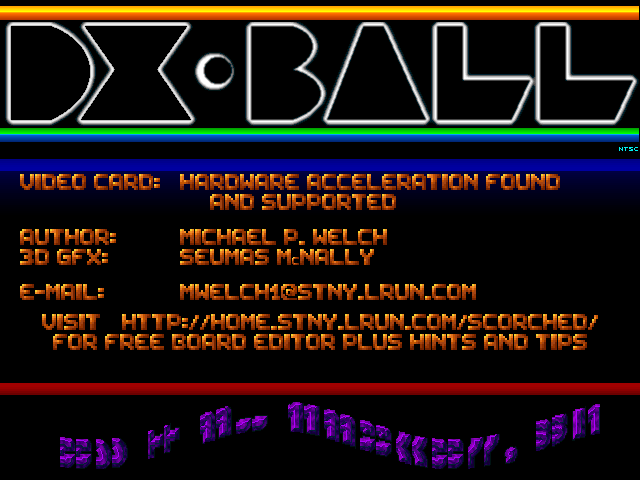
Move a paddle, keep the ball in play and clear brick patterns while deciding which falling bonuses to catch.
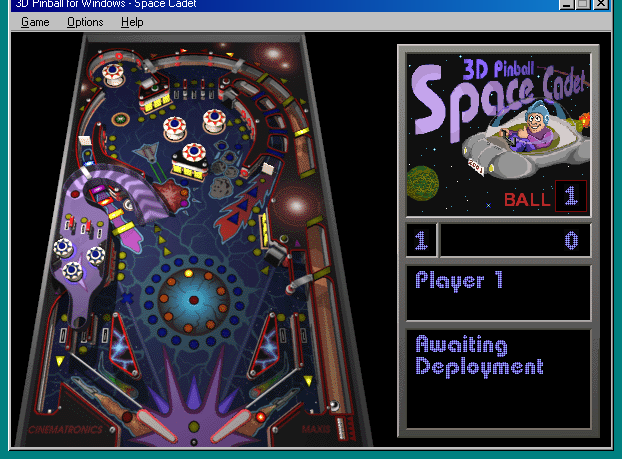
Keep the ball alive, complete table missions and climb the ranks on the classic Space Cadet pinball table.
Play in your browserOpens the community project in a new tab.Wine-Assembly runs the original Windows Space Cadet table in the browser. The table, plunger and flippers are the game: there is no separate character to move. Pull and release the plunger, keep the ball away from the bottom gap and follow the mission lights for bigger scores. The project supplies the program data and offers touch zones in its phone interface.
Project page & creditsProject information reviewed 2026-10-16. The game runs on the linked project’s website.