 Play nowOpens in a new tabSurvival
Azeroth Survivors
Choose a Warcraft-inspired character, survive waves of enemies and build up automatic skills in Aethus’s fan-made survival roguelite.
Choose a Warcraft-inspired class, prepare your abilities and queue for short online PvP battles in a standalone browser arena fan game.
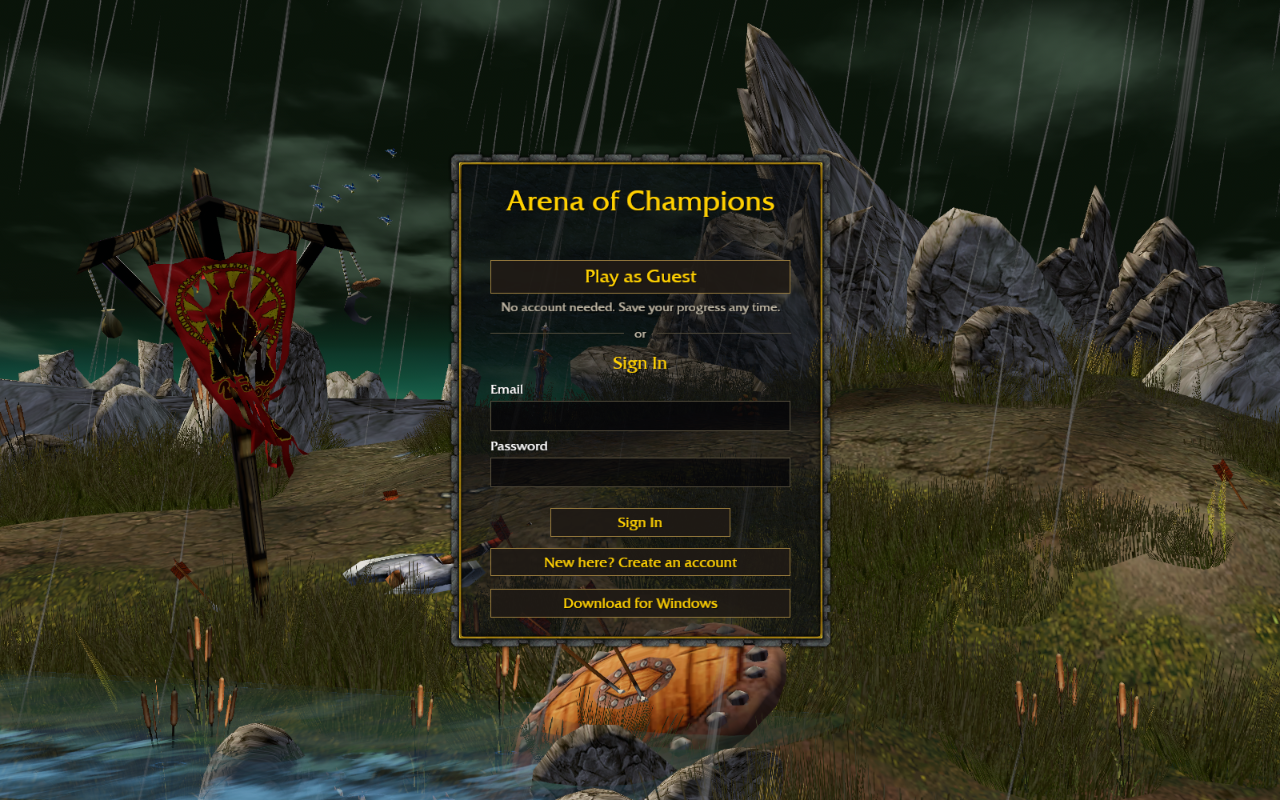
Play in your browserOpens the community project in a new tab.Use the original arenaofchampions.live site and let its browser client load. Play as Guest starts without an account; sign-in and an optional Windows download are also offered. In the town lobby, review Heroes, Spells & Talents and Controls before choosing an arena queue. The project offers 1v1, 2v2 and 3v3 brackets; queue availability depends on the live server. It is a separate Warcraft-inspired fan game, with Warcraft III-style artwork, rather than the full World of Warcraft MMO. This guide covers desktop browser access.
Project page & creditsProject information reviewed 2026-10-31. See the launch notes for where the game runs and which files it needs.
Play nowOpens in a new tabSurvivalChoose a Warcraft-inspired character, survive waves of enemies and build up automatic skills in Aethus’s fan-made survival roguelite.
Head beneath Tristram in the original dungeon crawler. A free demo gets you started.
 Play nowOpens in a new tabStrategy
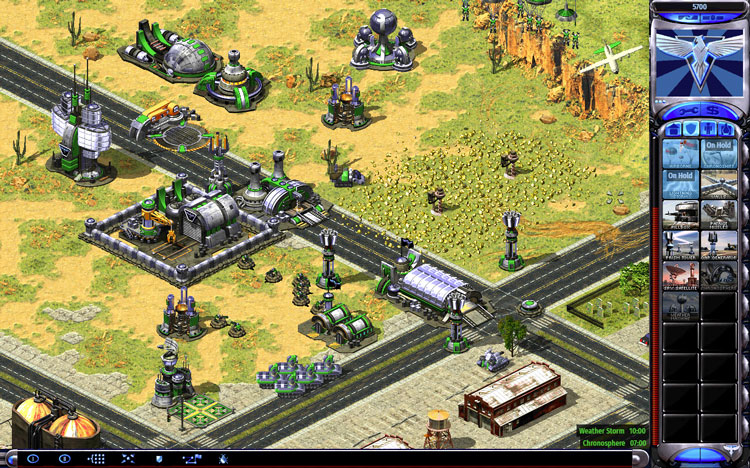
Build a base, harvest ore and command Allied or Soviet forces in a browser recreation of Red Alert 2 multiplayer.
Clear randomized rooms, combine unusual items and learn enemy patterns in Isaac’s run-based dungeon crawler.