 Survival
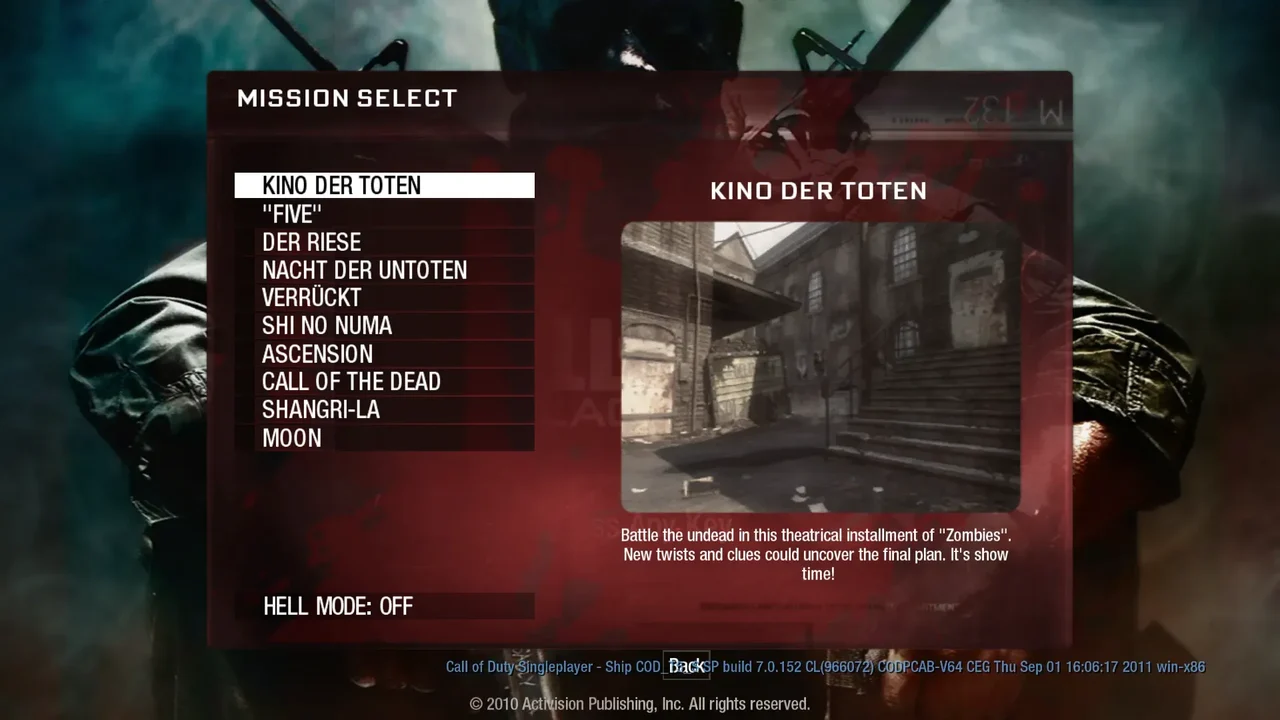
One more round. Survive the horde in a fan-made browser build of BO1 Zombies.
Play game RPG
RPGHead beneath Tristram in the original dungeon crawler. A free demo gets you started.
Play the free demoOpens the community project in a new tab.Choose Play Free Demo for shareware content. The full game needs your own DIABDAT.MPQ. Touch controls are available; export your saves before clearing browser data.
Project page & creditsProject information reviewed 2026-10-11. The game runs on the linked project’s website.
Play Free Demo loads limited shareware content. The full game requires your own DIABDAT.MPQ file.
Saves are stored in the current browser profile. Export them before clearing site data or moving to another browser, then import them there.
Close the other Diablo game tab or window after it finishes saving, then choose Try Again. Clearing browser data can remove your saves.
SurvivalOne more round. Survive the horde in a fan-made browser build of BO1 Zombies.
Play game FPS
FPS Movement
 Sports