 Play nowOpens in a new tabPlatformer
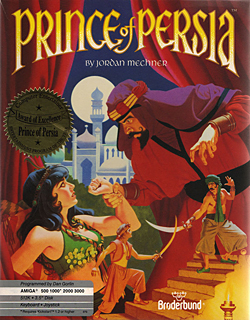
Prince of Persia
Run, climb and time your sword strikes in PrinceJS, a browser recreation of the MS-DOS classic.
Climb a tiny, demanding mountain by chaining jumps, wall movement and directional air dashes.
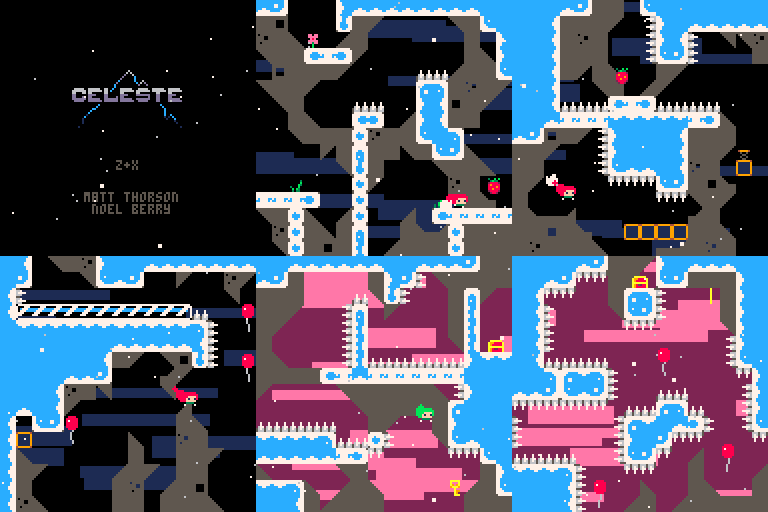
Play in your browserOpens the community project in a new tab.This is the original PICO-8 Celeste Classic by Maddy Thorson and Noel Berry, made in four days. It is a small complete platform game, distinct from the later commercial Celeste. Each screen is a short movement puzzle, and deaths restart the room quickly. Strawberries offer optional challenges beyond simply reaching the next screen.
Project page & creditsProject information reviewed 2026-10-16. The game runs on the linked project’s website.