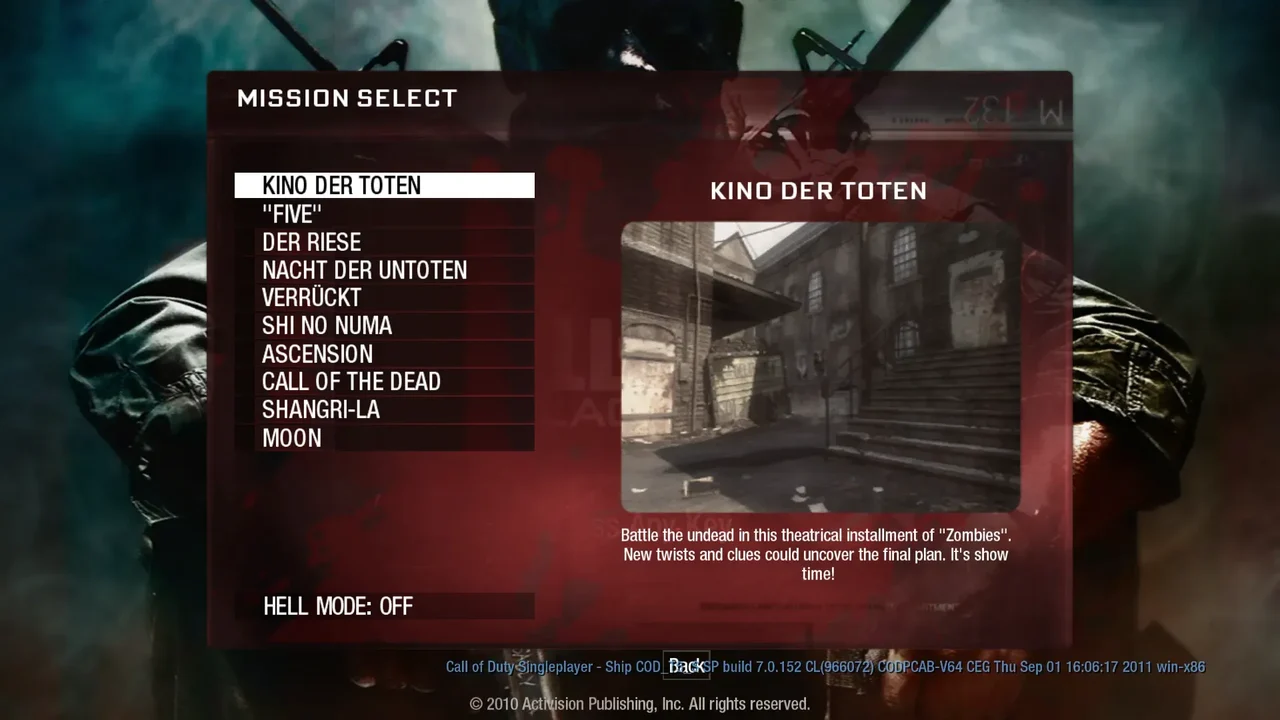
 Survival
One more round. Survive the horde in a fan-made browser build of BO1 Zombies.
Play game Platformer
Run, climb and time your sword strikes in PrinceJS, a browser recreation of the MS-DOS classic.
Play in your browserOpens the community project in a new tab.Use arrow keys to move, jump and crouch; Shift grabs ledges, drinks potions and strikes with the sword. Mobile play works in landscape.
Project page & creditsProject information reviewed 2026-10-11. The game runs on the linked project’s website.
Shift grabs edges, drinks potions and strikes with the sword. Up jumps or climbs, and blocks attacks while fighting.
The project stores level, health and time in URL parameters. Keep the current game URL as a bookmark, or use its documented parameters to choose a level.
The project provides reduced guard difficulty at princejs.com?strength=50. On phones, landscape mode and adding the game to the home screen also make the controls easier to use.
SurvivalOne more round. Survive the horde in a fan-made browser build of BO1 Zombies.
Play game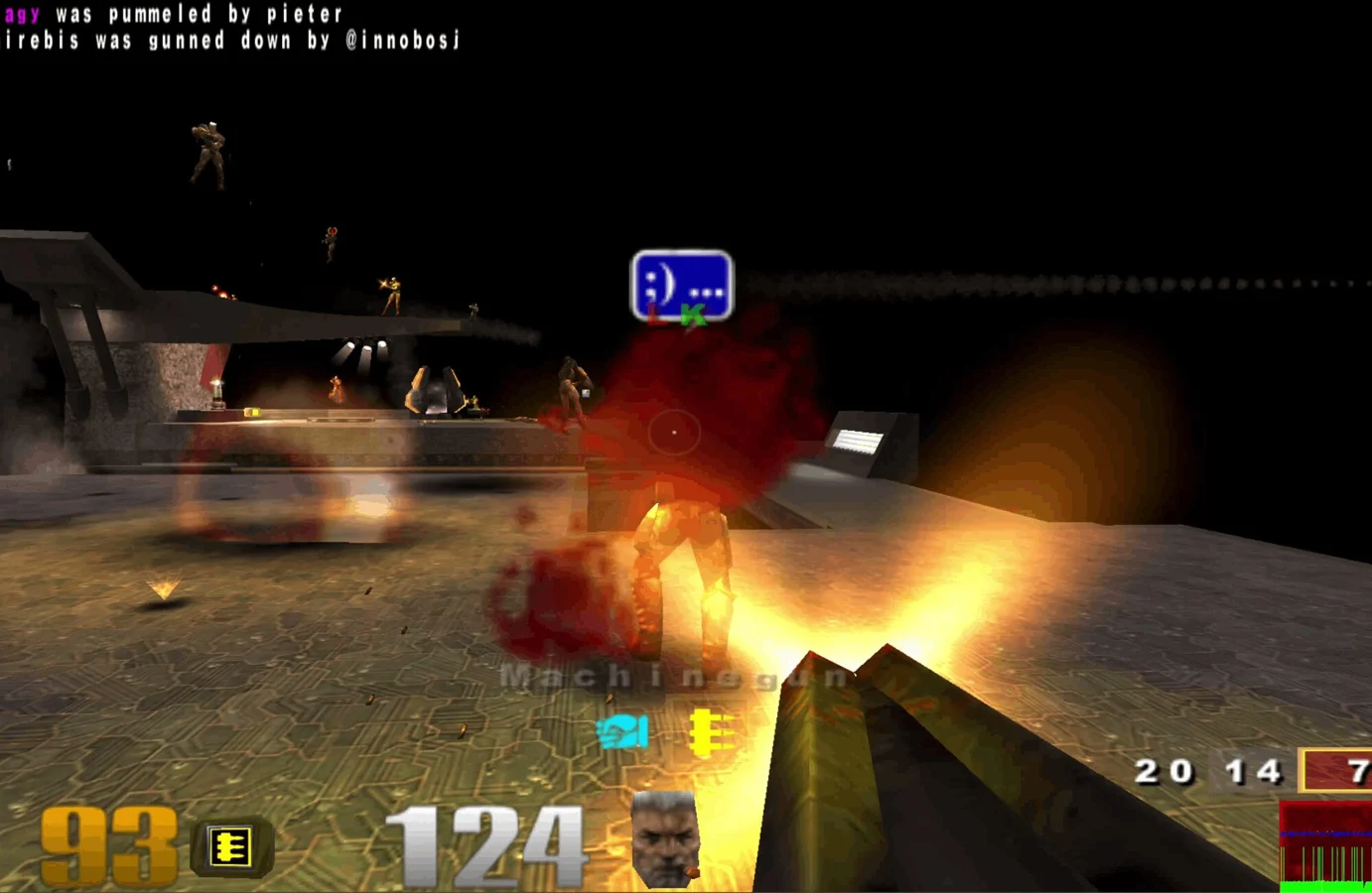 FPS
FPS Movement
 Sports