 Play nowOpens in a new tabShooters
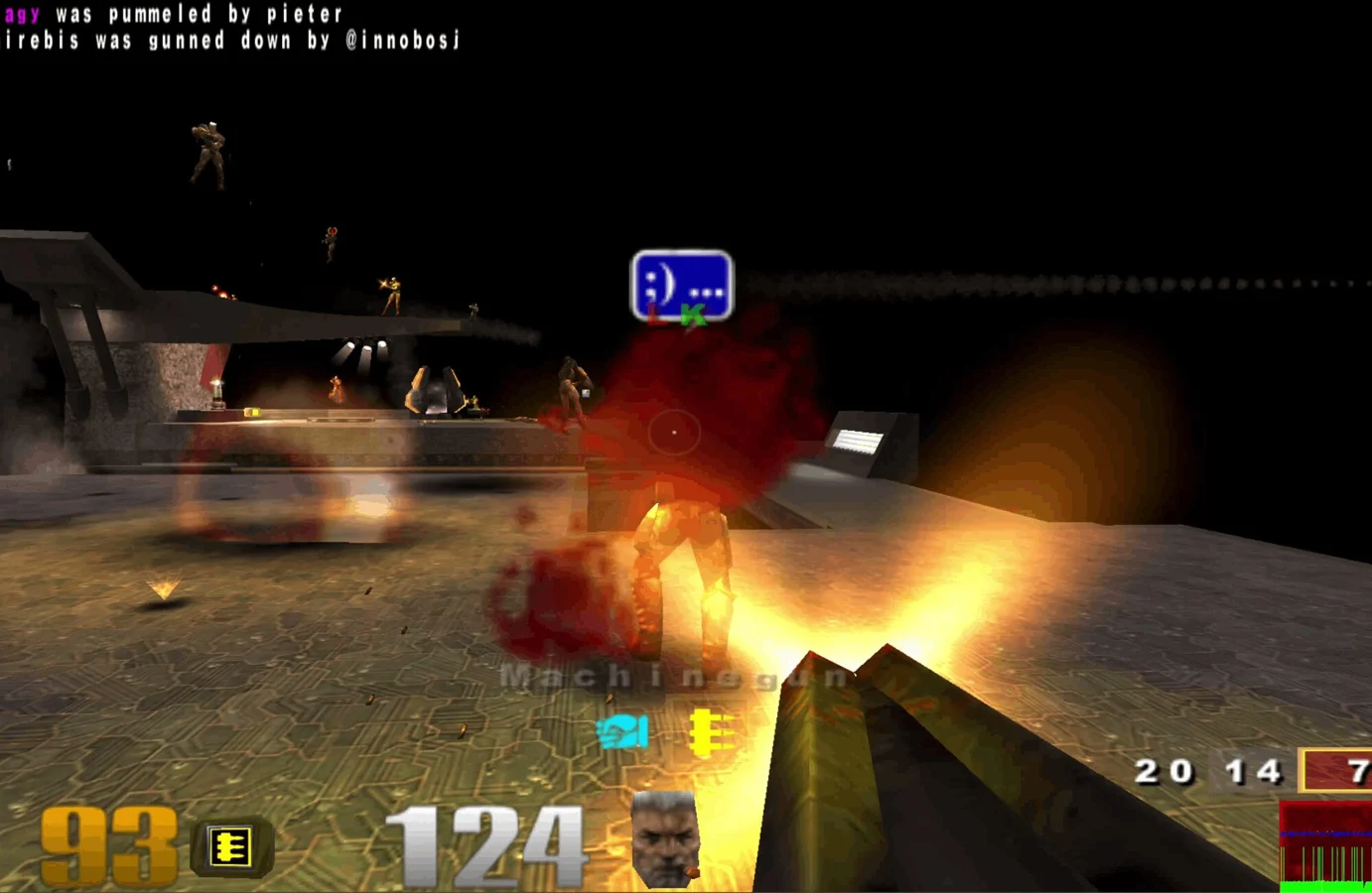
Quake III Arena
Fast arena matches, rocket jumps and a whole lot of respawning.
Explore a failing Mars facility in a slower, darker Doom built around close encounters and survival horror.
Play the free demoOpens the community project in a new tab.This is Continuation Labs’ d3wasm demonstration using Doom 3 Demo data. It contains a limited sample of the original game, not Doom 3 BFG Edition or the full campaign. Let the initial download finish, then start a new game from the menu. A desktop keyboard and mouse are the practical way to move, aim and use the port’s special menu keys.
Project page & creditsProject information reviewed 2026-10-16. The game runs on the linked project’s website.
Play nowOpens in a new tabShootersFast arena matches, rocket jumps and a whole lot of respawning.
Revisit the ring in a community Halo CE port, with campaign and private rooms.
 Play nowOpens in a new tabShooters
Classic Quake multiplayer for up to eight players, straight from your browser.
Bring your Half-Life game files to the browser with the WebXash client.