 Play nowOpens in a new tabShooters
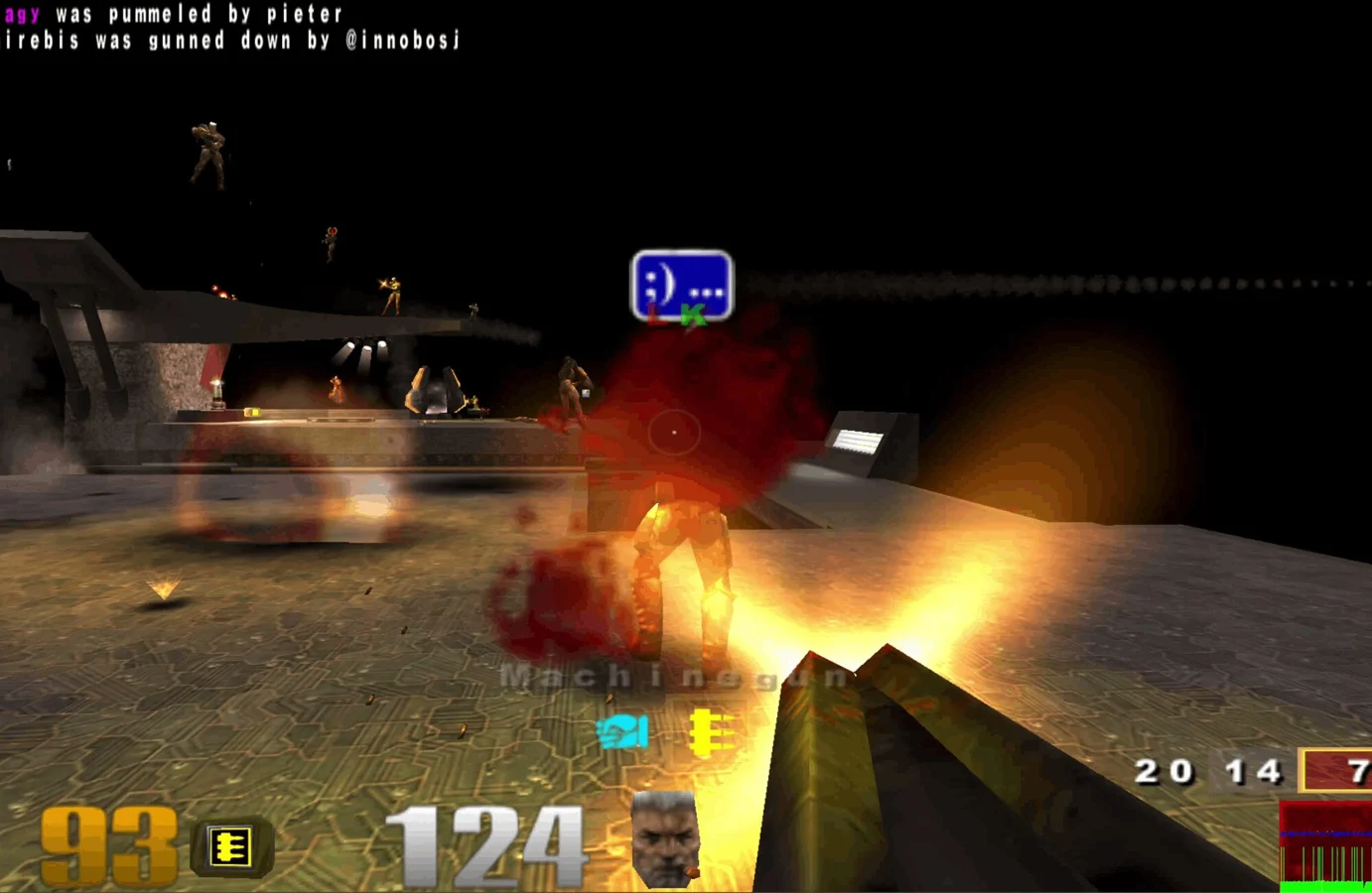
Quake III Arena
Fast arena matches, rocket jumps and a whole lot of respawning.
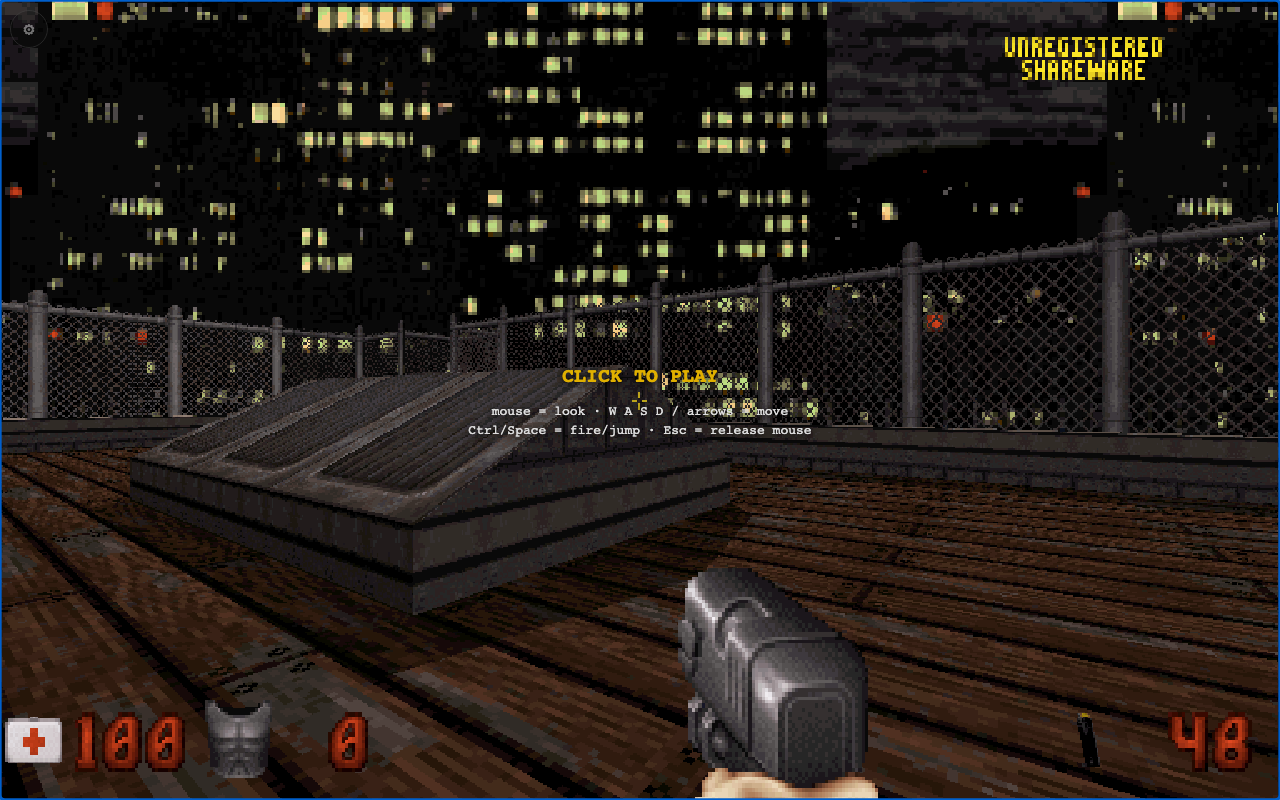
Explore interactive city levels, find keycards and secrets, and fight through Duke’s classic first-person shooter.
Play the free demoOpens the community project in a new tab.webduke is a browser client with a Shareware option and a Load .GRP importer for your own game data. Begin with shareware to try the game without preparing a retail archive. The Host game feature is marked beta. Level progress, custom data and multiplayer behavior depend on this project; importing a full .GRP is separate from selecting the free episode.
Project page & creditsProject information reviewed 2026-10-16. The game runs on the linked project’s website.
Play nowOpens in a new tabShootersFast arena matches, rocket jumps and a whole lot of respawning.
Revisit the ring in a community Halo CE port, with campaign and private rooms.
 Play nowOpens in a new tabShooters
Classic Quake multiplayer for up to eight players, straight from your browser.
Bring your Half-Life game files to the browser with the WebXash client.