 Play nowOpens in a new tabShooters
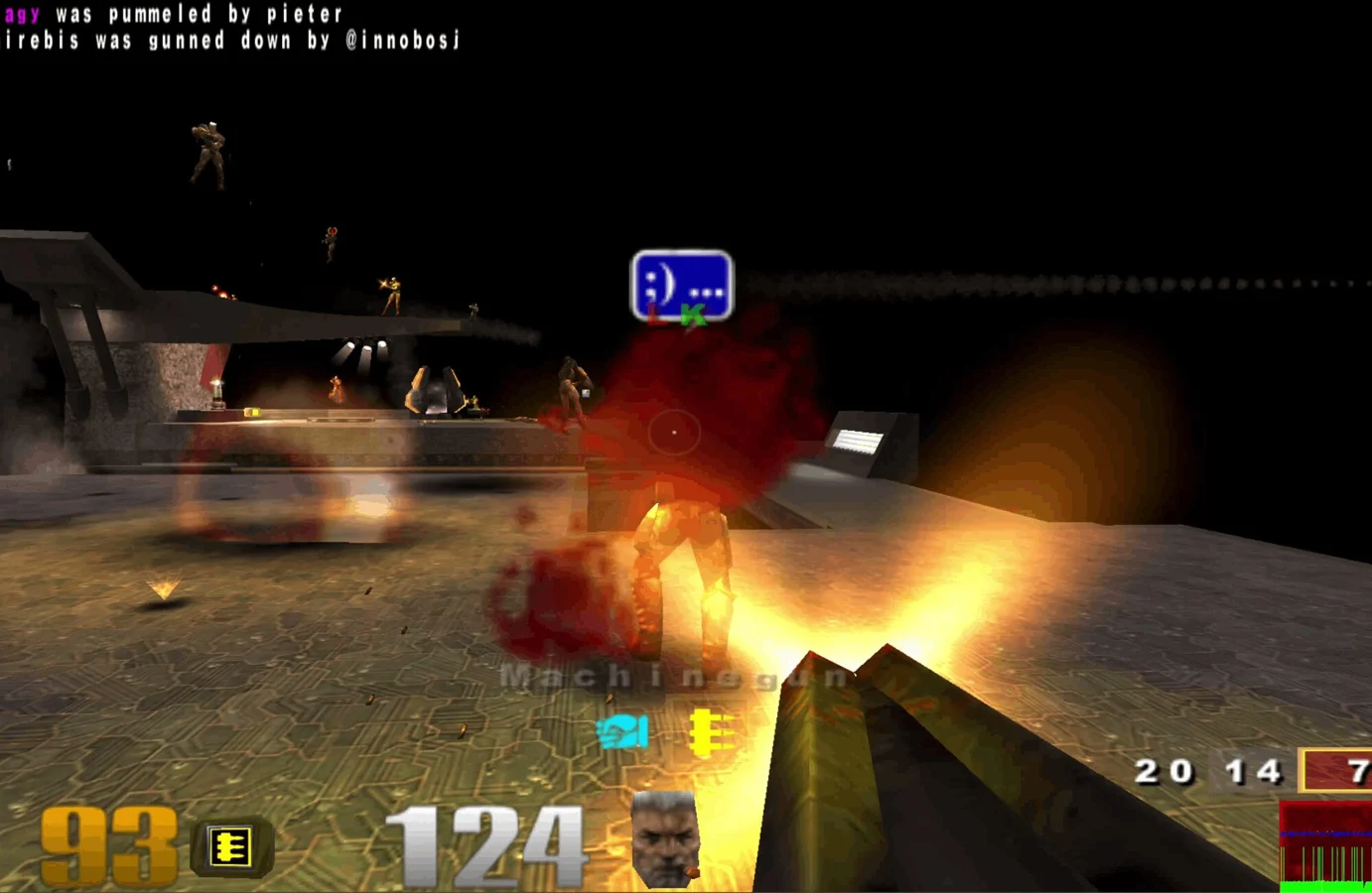
Quake III Arena
Fast arena matches, rocket jumps and a whole lot of respawning.
 Shooters
Use lightsabers, blasters and Force powers in Virtastic’s single-player Jedi Academy browser port, starting with the free demo.
Play the free demoOpens the community project in a new tab.Jedi Academy mixes lightsaber combat, ranged weapons and Force powers in a mission-based Star Wars adventure. Virtastic’s browser port offers two starting routes: Play the demo loads the official free demo, while Bring your own Jedi Academy uses data from your copy of the full game. Use desktop Chrome, Chromium, Edge or Brave. The game runs on your computer, and its saves and settings persist in that browser.
Project page & creditsProject information reviewed 2026-10-16. The game runs on the linked project’s website.
Play nowOpens in a new tabShootersFast arena matches, rocket jumps and a whole lot of respawning.
Revisit the ring in a community Halo CE port, with campaign and private rooms.
 Play nowOpens in a new tabShooters
Classic Quake multiplayer for up to eight players, straight from your browser.
Bring your Half-Life game files to the browser with the WebXash client.