 Play nowOpens in a new tabStrategy
Red Alert 2: Chrono Divide
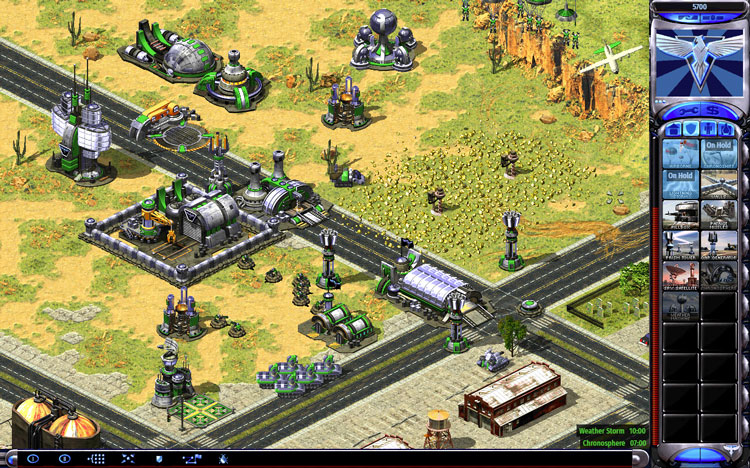
Build a base, harvest ore and command Allied or Soviet forces in a browser recreation of Red Alert 2 multiplayer.
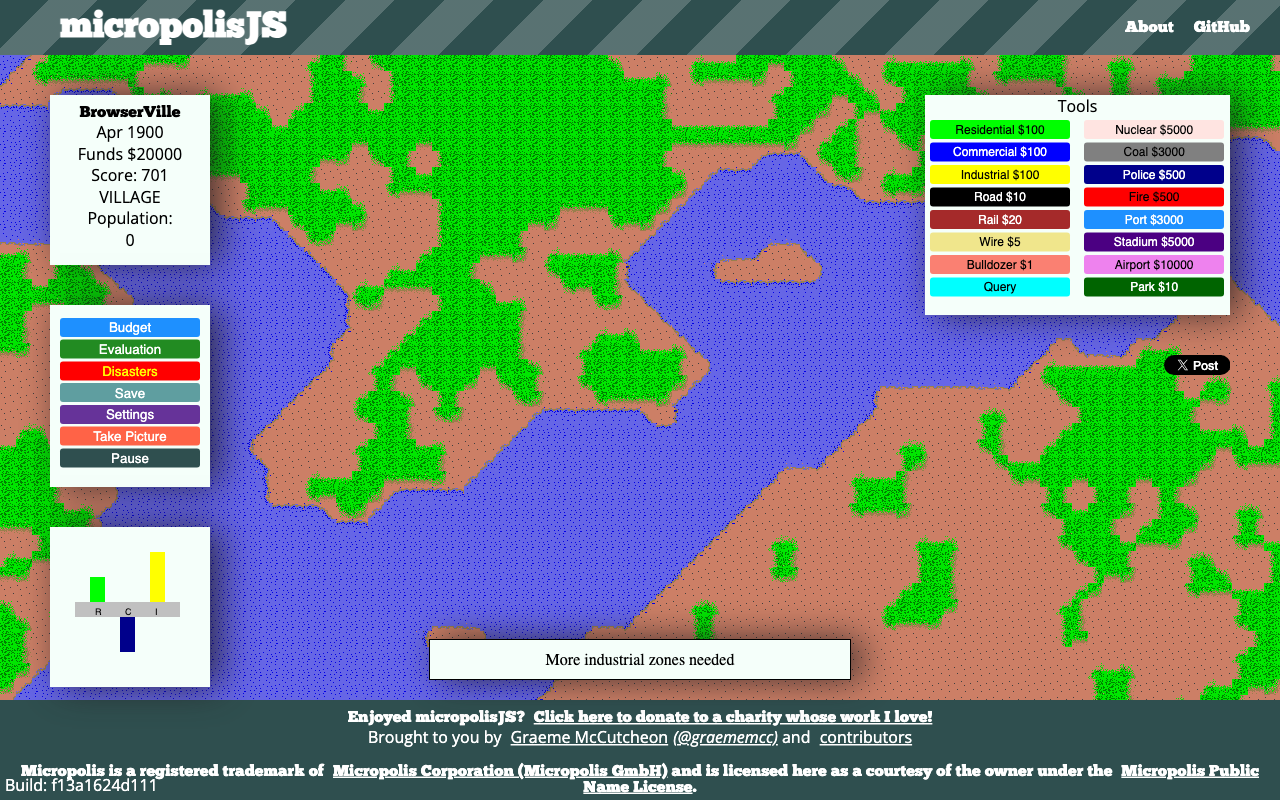
Zone a city, connect power and roads, and balance taxes, services and growth in a classic city simulator.
Play in your browserOpens the community project in a new tab.micropolisJS is Graeme McCutcheon’s JavaScript city simulation based on Micropolis. Generate a map, choose a difficulty and start with a small connected town. Residential, commercial and industrial zones need access and power before they develop. The project warns that it is not designed for touch devices; use a desktop-sized browser and mouse.
Project page & creditsProject information reviewed 2026-10-16. The game runs on the linked project’s website.
Play nowOpens in a new tabStrategyBuild a base, harvest ore and command Allied or Soviet forces in a browser recreation of Red Alert 2 multiplayer.
 Play nowOpens in a new tabStrategy
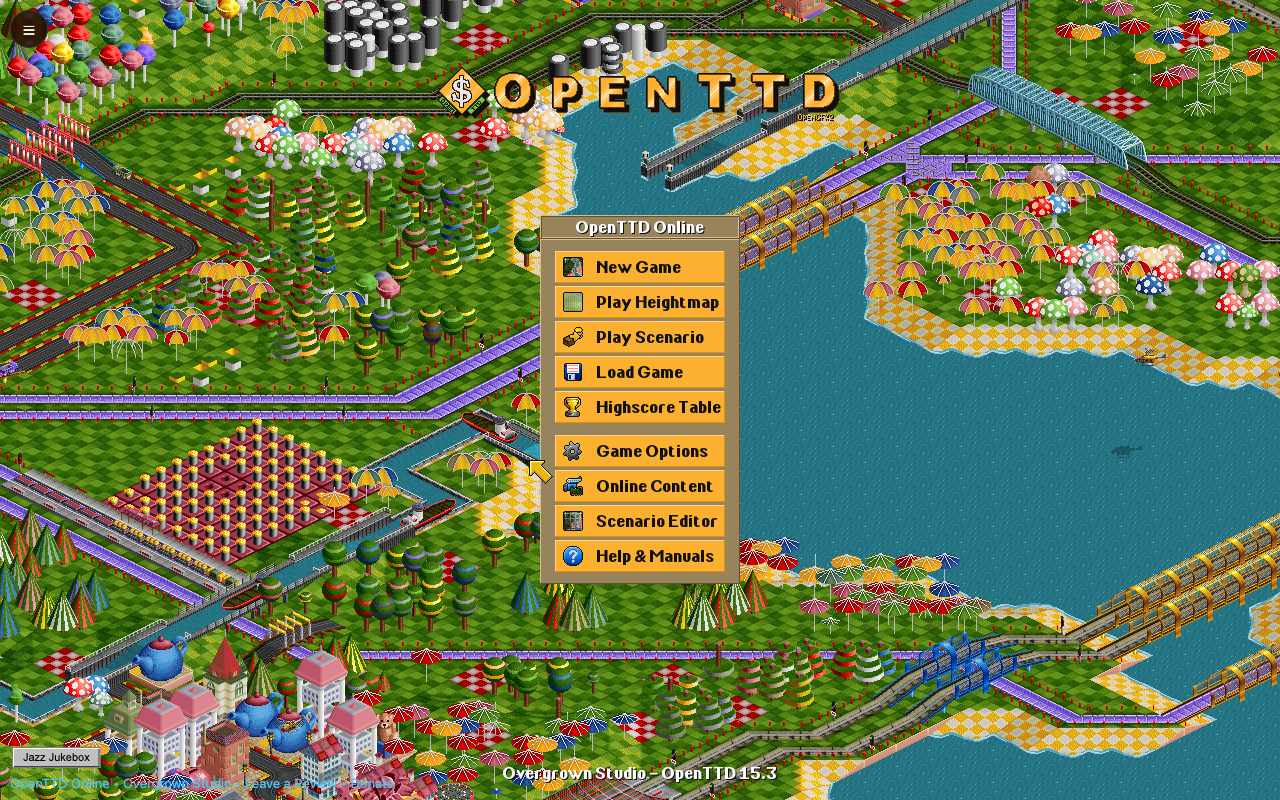
Connect towns and industries with buses, trains, ships and aircraft, then turn a small route into a transport company.
 Play demoOpens in a new tabStrategy
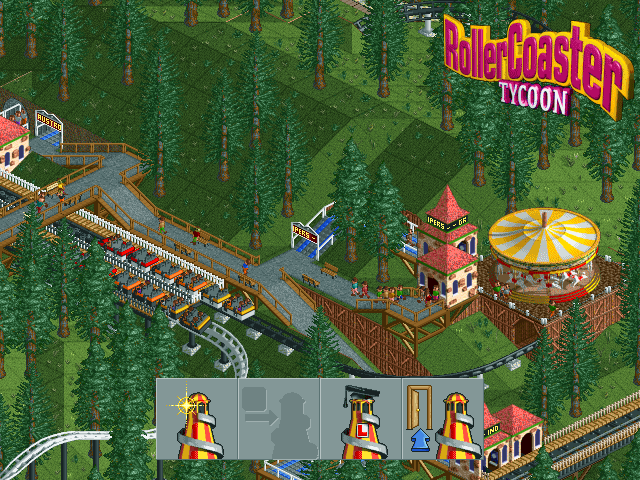
Build rides and paths, keep guests happy and turn a small amusement park into a profitable attraction.
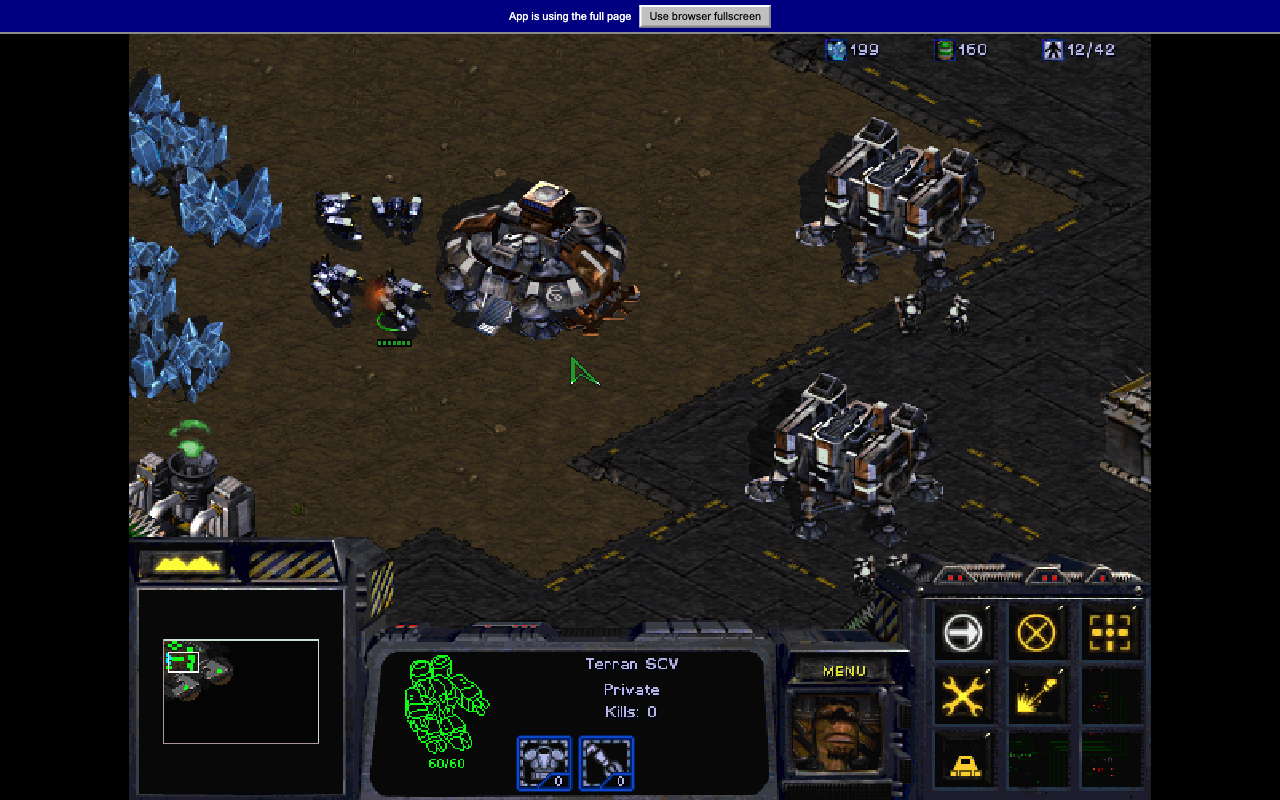 Play demoOpens in a new tabStrategy
Gather minerals, build a Terran base and command squads through the original StarCraft demo missions.