 Play nowOpens in a new tabSandbox
Minecraft Classic
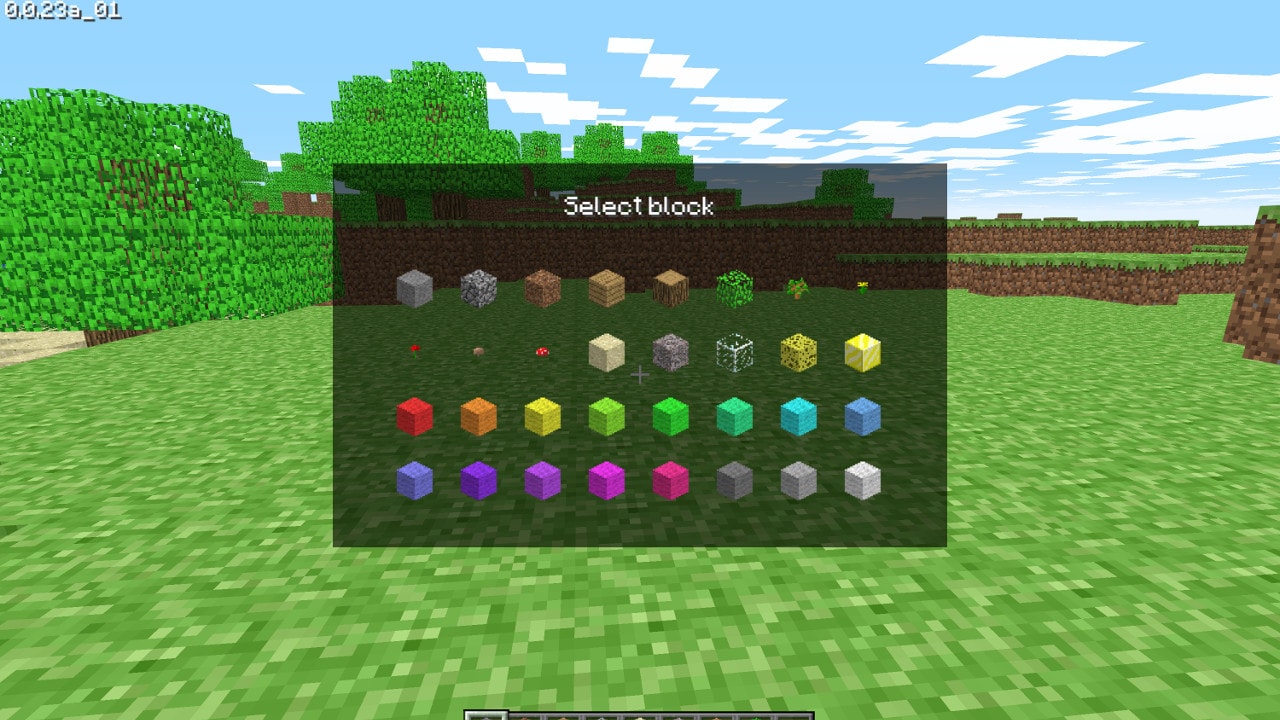
Build with the original Classic block set in Minecraft’s own browser edition.
Work out a secret Minecraft crafting recipe from a limited inventory, using colored hints and ten guesses in daily or random puzzles.
Play in your browserOpens the community project in a new tab.This guide links to the original Minecraftle hosted by Zach Manson, created with Tamura Boog, Harrison Oates and Ivan Sossa Gongora. You have ten guesses to craft the secret item using the supplied ingredients. Grey means an ingredient is absent, orange means it belongs elsewhere and green means it is in the right position. Daily gives the daily puzzle; Random offers another challenge. No Minecraft installation or game-file import is required. Read How To Play on the original site for the rules.
Project page & creditsProject information reviewed 2026-10-31. See the launch notes for where the game runs and which files it needs.
Play nowOpens in a new tabSandboxBuild with the original Classic block set in Minecraft’s own browser edition.
Turn the day’s starting word into POOP one letter at a time. Keep every step a valid English word and try to find a shorter route.
Answer five daily geography prompts by pinning countries on a world map. A less obvious correct country takes your expedition further.
Dive through seven daily trivia prompts on kp’s original Krillion. Find a valid answer other people are less likely to think of to reach deeper tiers.