SuperTuxKart
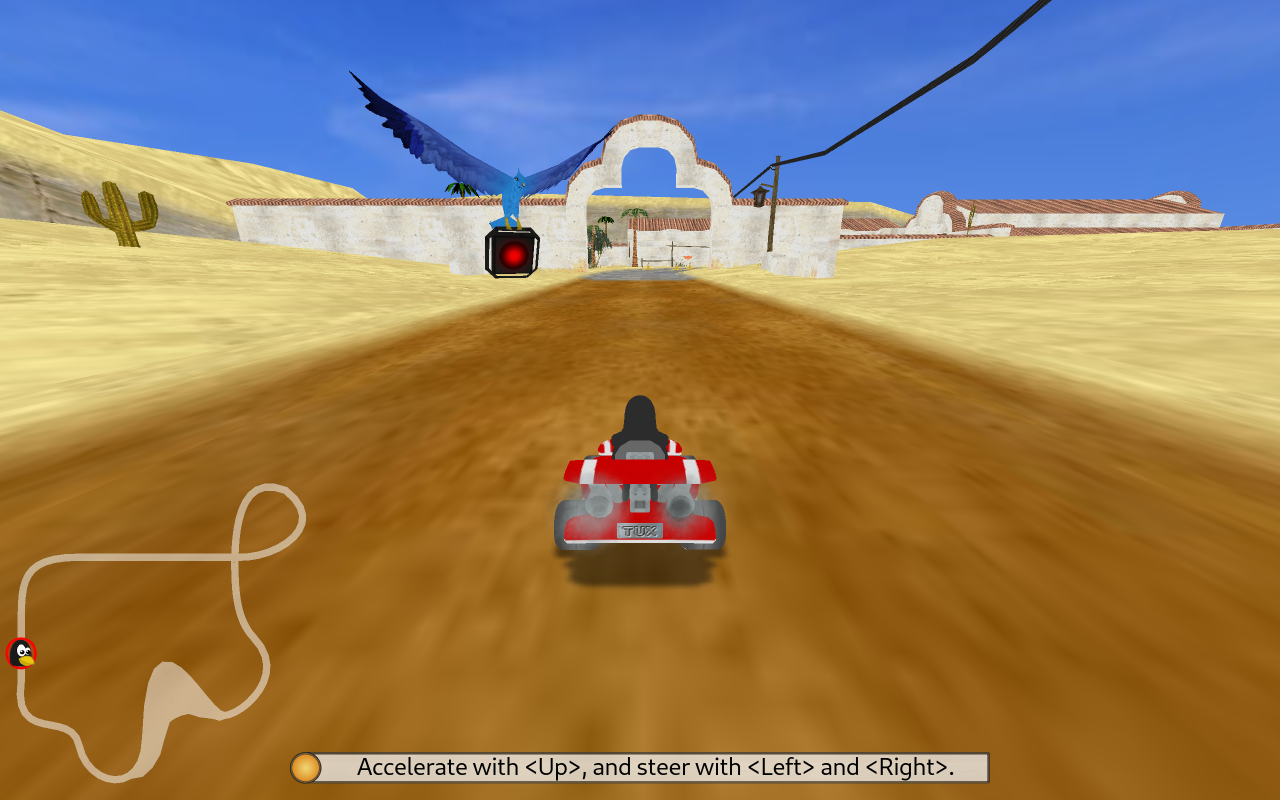
Race open-source mascots through colorful tracks, collect items and use boosts to catch the next kart.
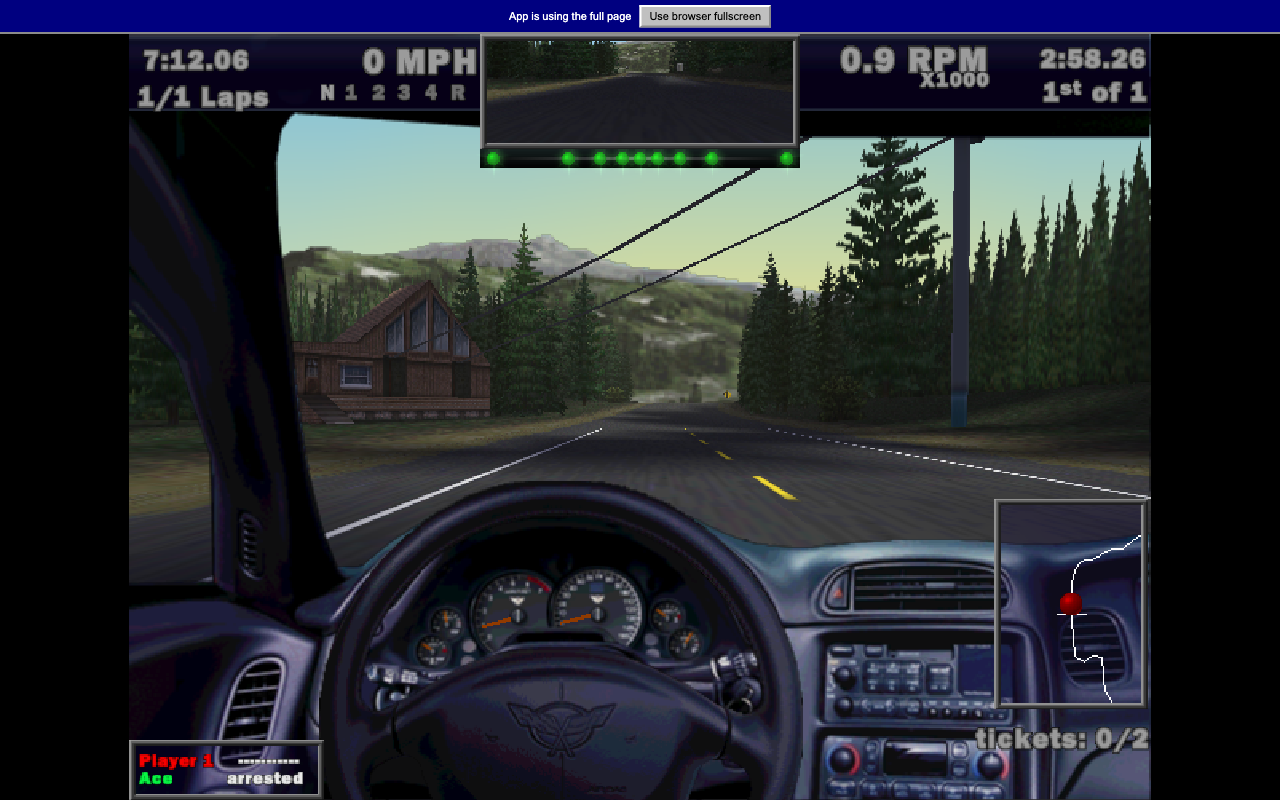
Drive a high-performance road car in the original Need for Speed III browser demo.
Play the free demoOpens the community project in a new tab.This Wine-Assembly launcher runs the original Windows demo of Need for Speed III. It offers a sample of the Hot Pursuit era of road racing, not the complete retail car and track selection. The current launcher may enter a prepared race directly and fetch further track data during startup. A keyboard makes steering and acceleration easier to control than a small touch screen.
Project page & creditsProject information reviewed 2026-10-16. The game runs on the linked project’s website.
Race open-source mascots through colorful tracks, collect items and use boosts to catch the next kart.
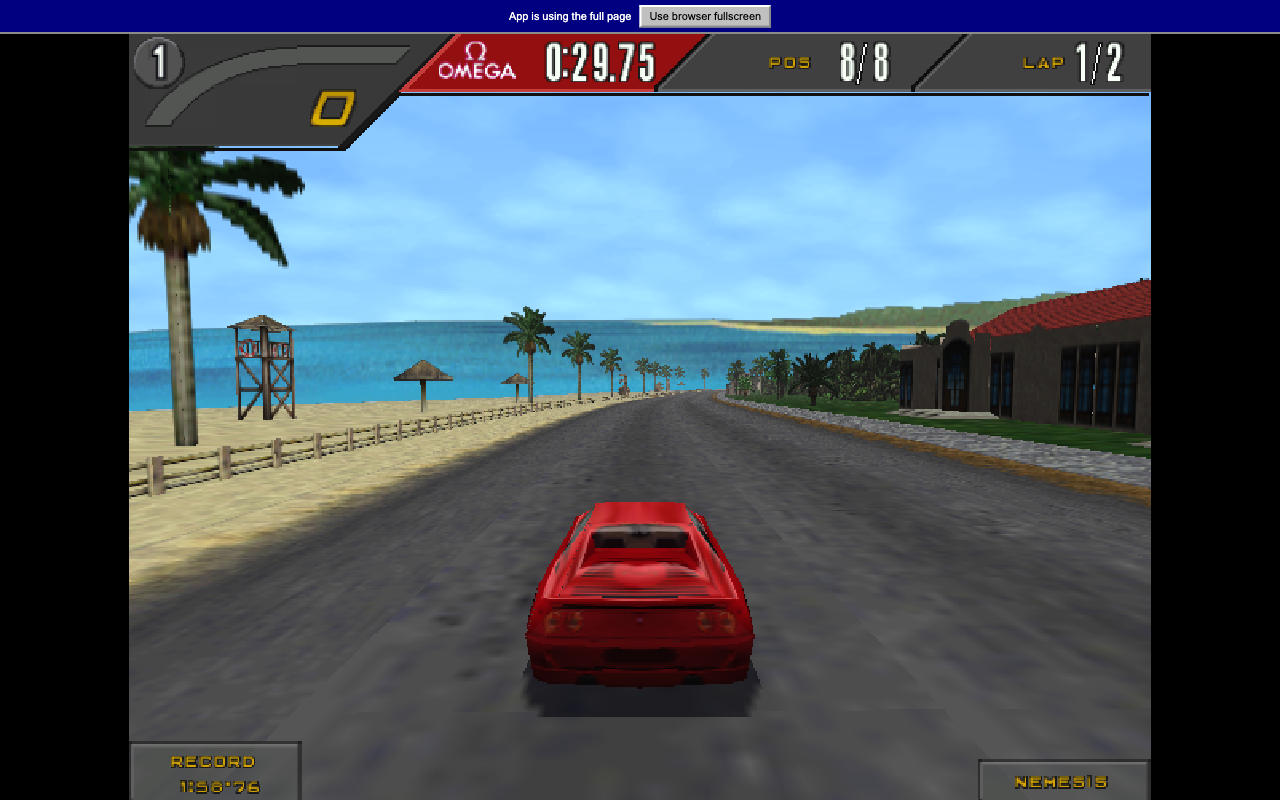
Drive a 1990s supercar through a winding race course in the Need for Speed II SE browser demo.
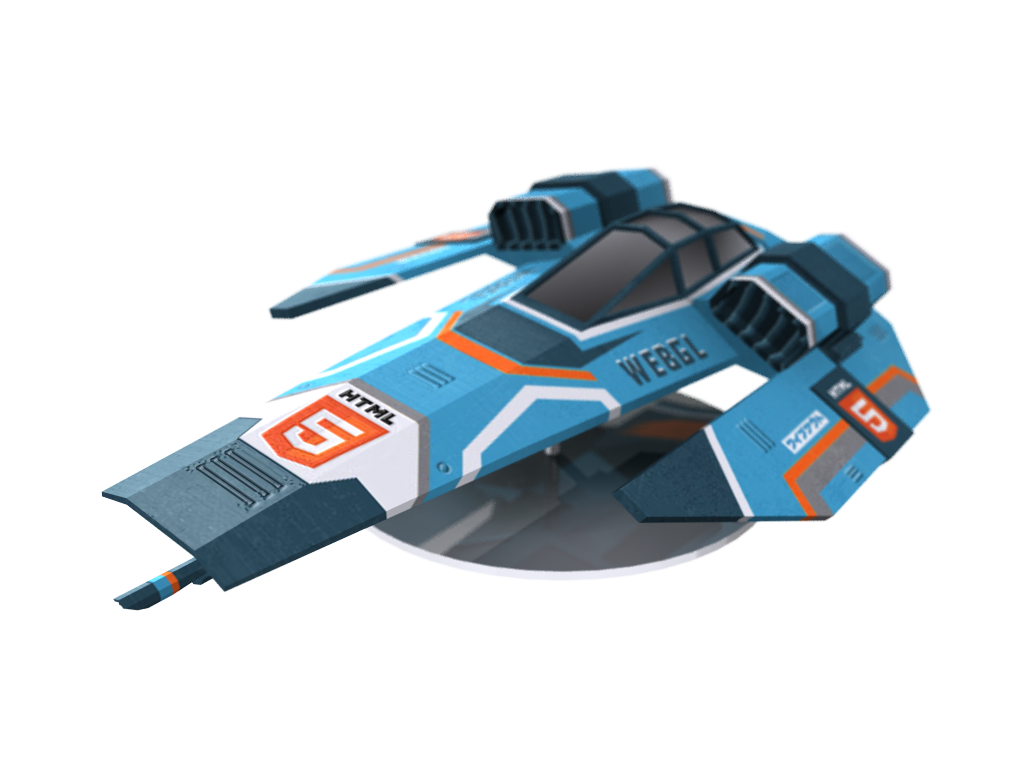
Pilot an anti-gravity racer over elevated city tracks, hit speed pads and chase a cleaner three-lap time.