Need for Speed II SE Demo
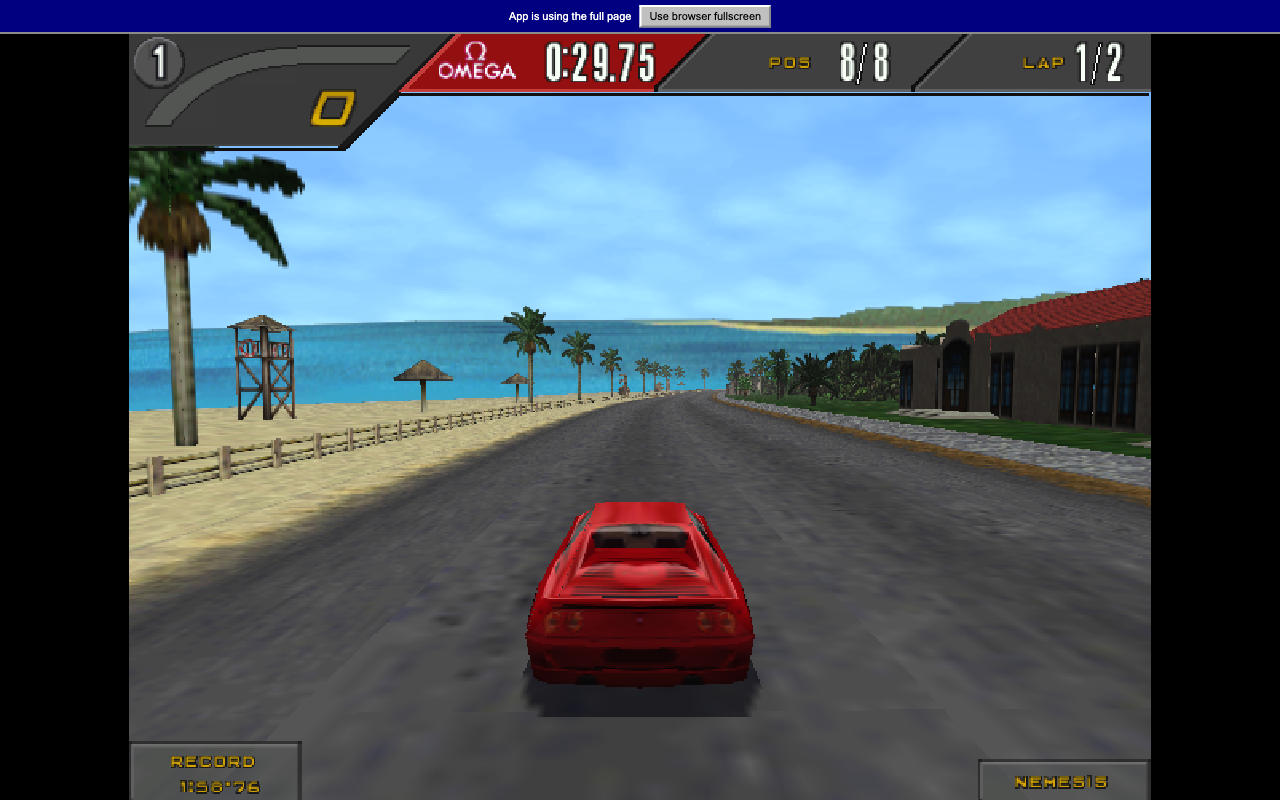
Drive a 1990s supercar through a winding race course in the Need for Speed II SE browser demo.
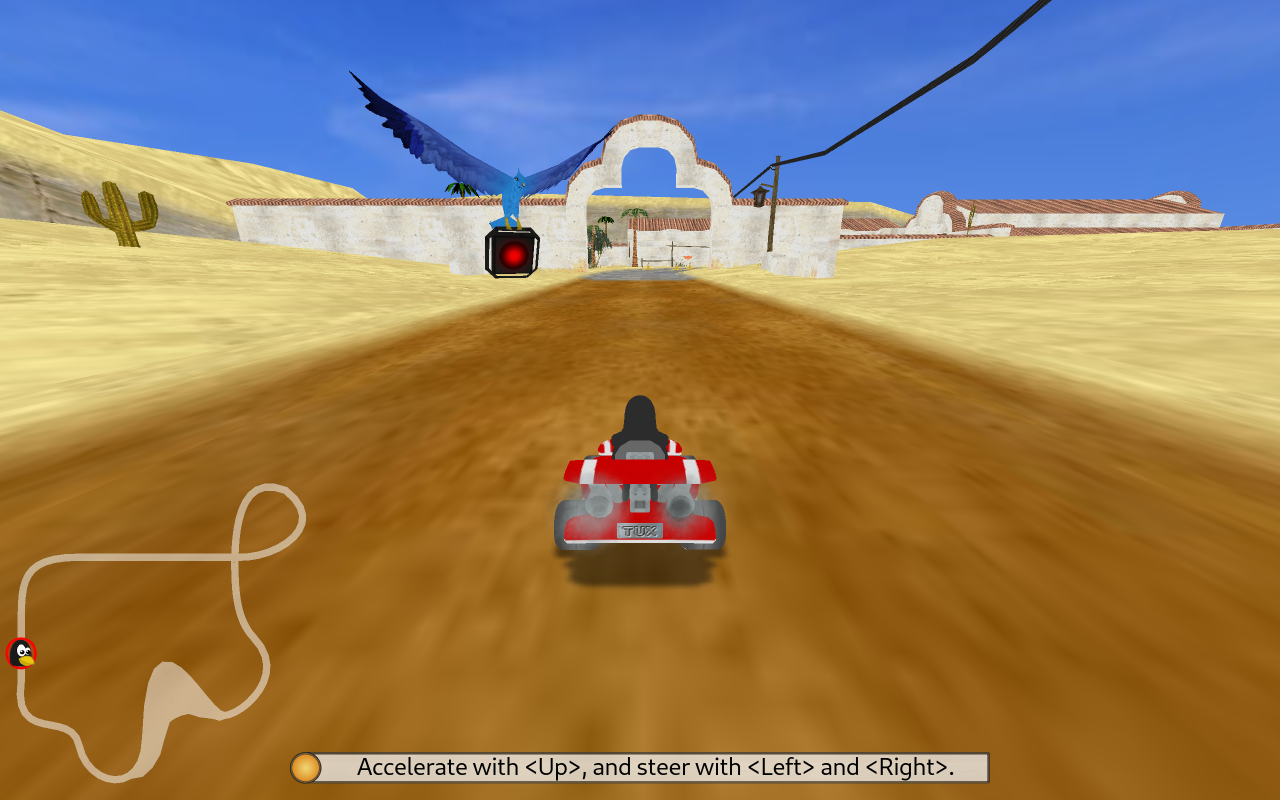
Race open-source mascots through colorful tracks, collect items and use boosts to catch the next kart.
Play in your browserOpens the community project in a new tab.ading2210’s experimental WebAssembly port runs SuperTuxKart in a tab. The launcher offers Low, Medium and High texture packages; Low is listed at about 120 MiB, and the project estimates around 500 MB of memory. Some graphics features and networking are unavailable. Start with a solo race and a low texture setting, especially on a laptop.
Project page & creditsProject information reviewed 2026-10-16. The game runs on the linked project’s website.
Drive a 1990s supercar through a winding race course in the Need for Speed II SE browser demo.
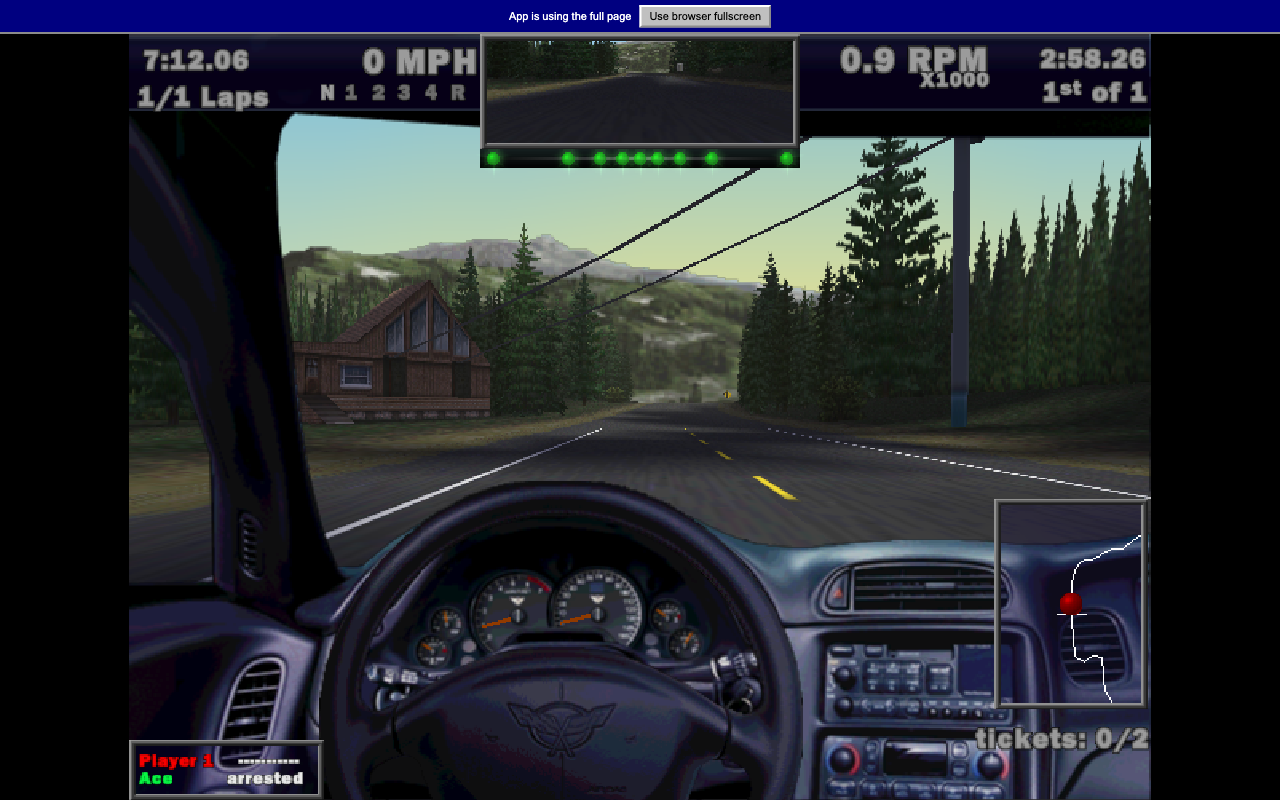
Drive a high-performance road car in the original Need for Speed III browser demo.
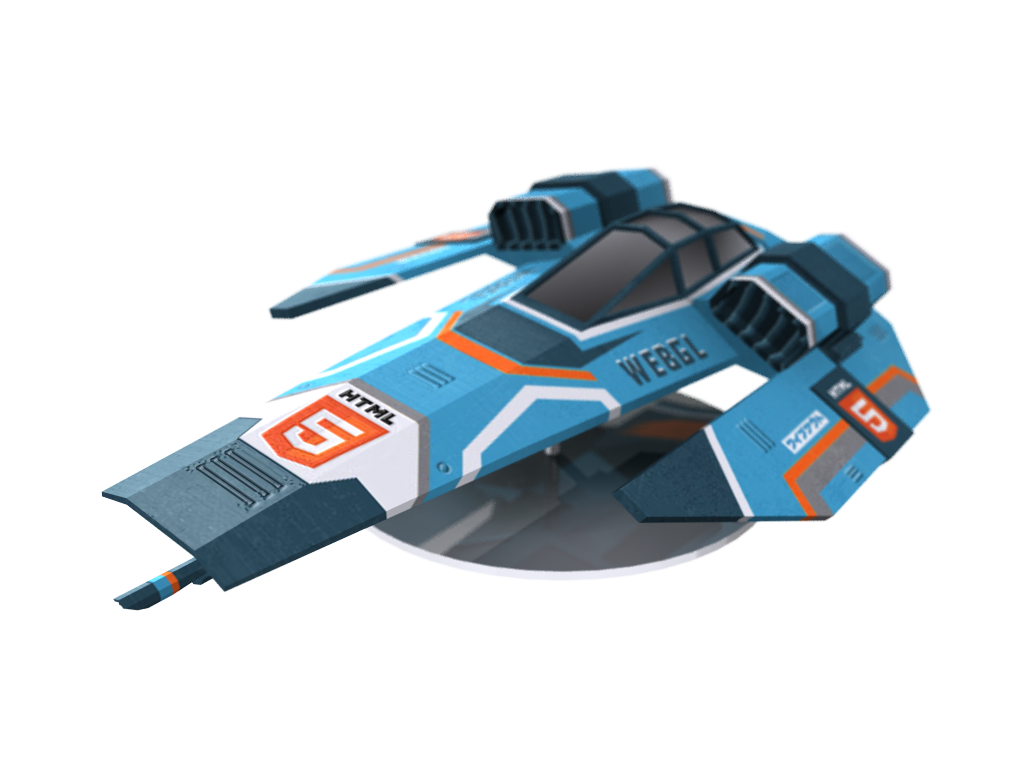
Pilot an anti-gravity racer over elevated city tracks, hit speed pads and chase a cleaner three-lap time.