 Play nowOpens in a new tabShooters
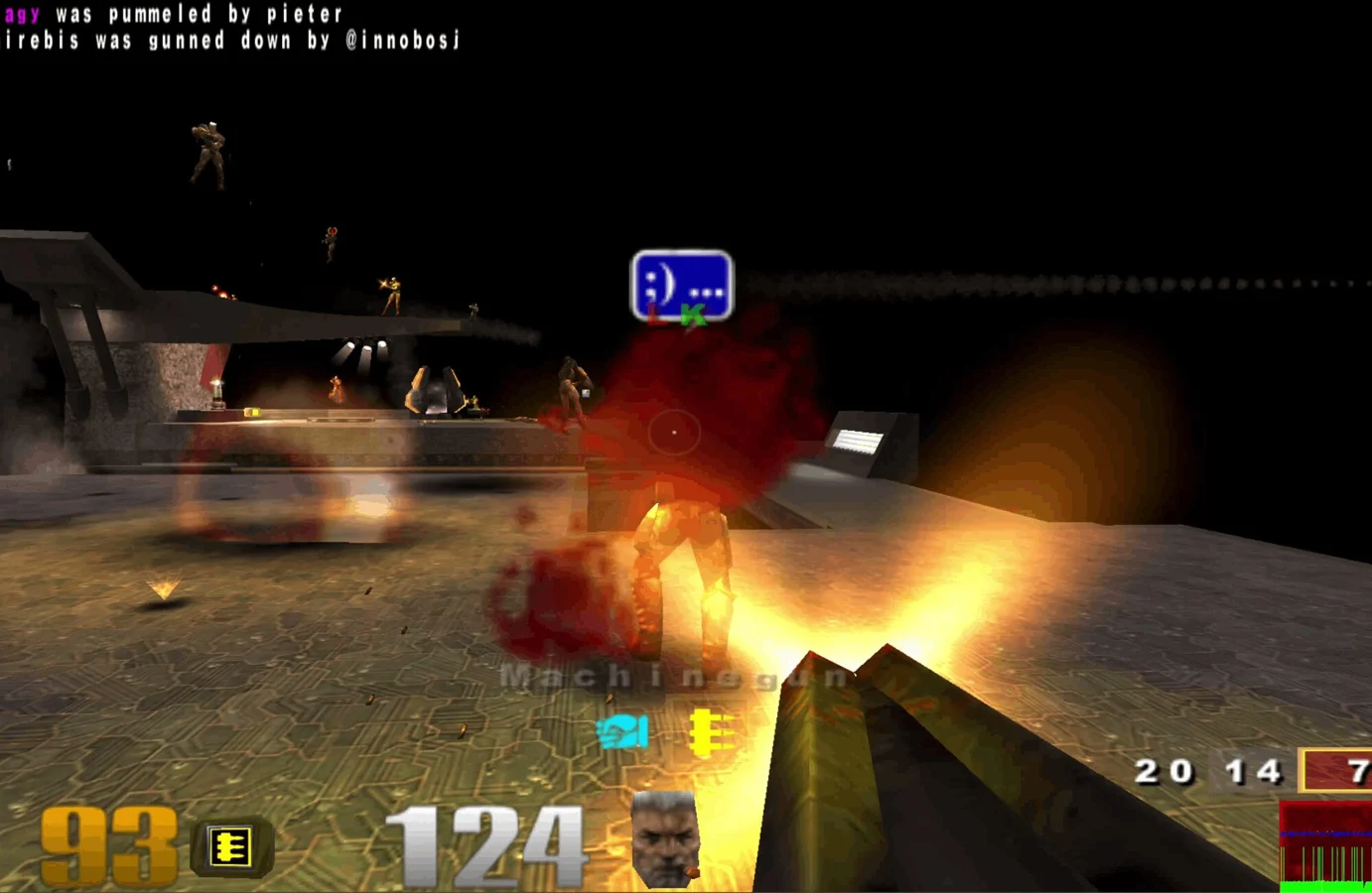
Quake III Arena
Fast arena matches, rocket jumps and a whole lot of respawning.
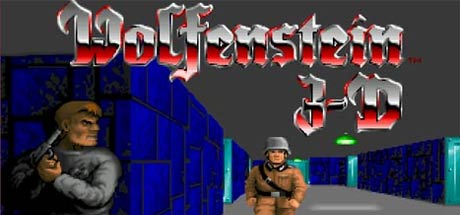
Navigate castle corridors, collect keys and ammunition, and uncover secret rooms in the original Wolfenstein 3D.
Play the free demoOpens the community project in a new tab.Iron-Wolf’s web player offers a Shareware Version start button and a toolbar for data and save management. The free sample is distinct from the registered game and Return to Castle Wolfenstein. Use a desktop keyboard and click the player to focus it. At the startup Press a key screen, click the player and hold Enter briefly to continue.
Project page & creditsProject information reviewed 2026-10-16. The game runs on the linked project’s website.
Play nowOpens in a new tabShootersFast arena matches, rocket jumps and a whole lot of respawning.
Revisit the ring in a community Halo CE port, with campaign and private rooms.
 Play nowOpens in a new tabShooters
Classic Quake multiplayer for up to eight players, straight from your browser.
Bring your Half-Life game files to the browser with the WebXash client.