Classic shooters, one tab away.
Pick a shooter by the way you want to play: solo levels, arena matches or community servers. Each guide shows the launch link and whether the project includes resources or needs your own game files.
 FPS
FPS FPS
FPSRevisit the ring in a community Halo CE port, with campaign and private rooms.
Open project FPS
FPS FPS
FPS FPSFPS
The Halo CE browser project built around touch controls and controller play.
Open project FPS
FPSLoad your own classic Counter-Strike files with the WebXash browser client.
Open project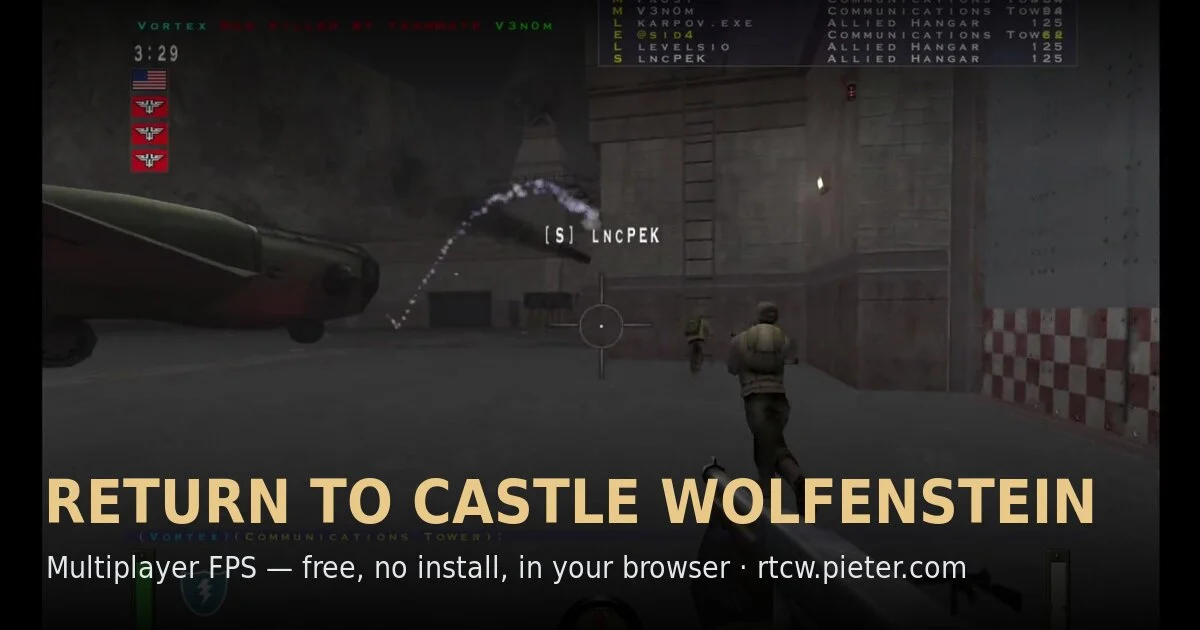 FPS
FPSTeam-based RTCW multiplayer in a community WebAssembly preservation project.
Play game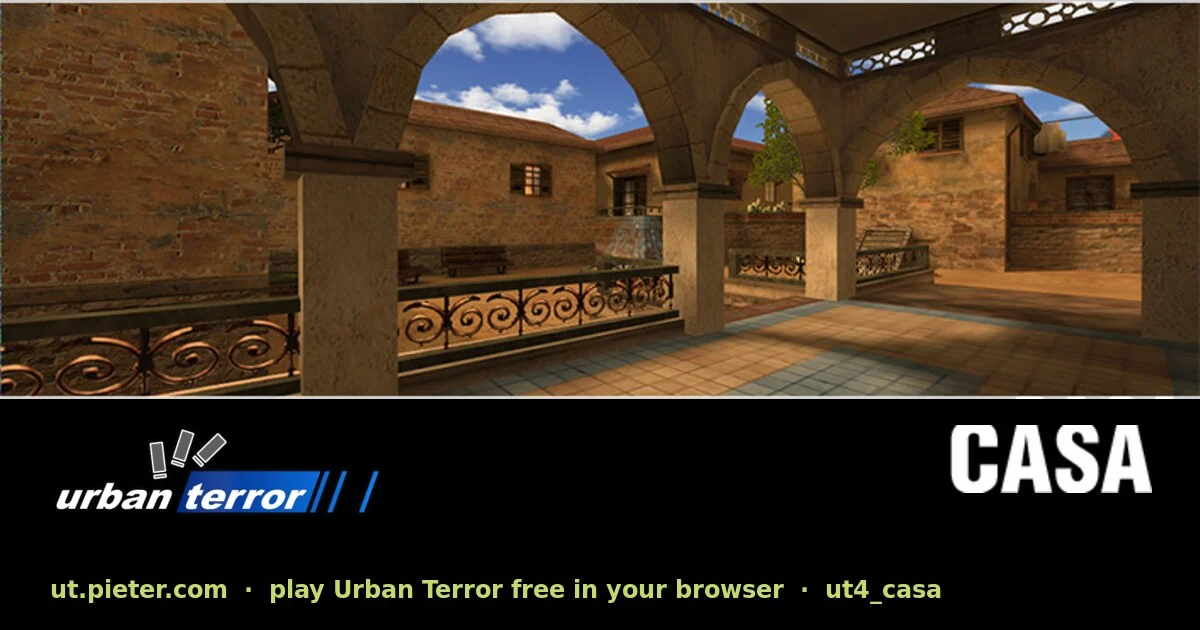 FPS
FPSTactical multiplayer with fast movement, running on a browser port of ioUrbanTerror.
Play game FPS
FPSGetting comfortable with browser FPS controls
A desktop keyboard and mouse are the best starting point for most of these projects. Click the game canvas to capture your mouse, use its settings to adjust sensitivity, and press Escape to release pointer lock. A game listed for mobile has a separate touch or controller path described on its page.
For multiplayer, use the project’s server browser or connection instructions. Browser ports do not necessarily connect to every original PC server. Check the selected project’s documentation before inviting a friend.
Here from the Radiant Optimizer post? Find the full list