 Play nowOpens in a new tabSandbox
Minecraft Classic
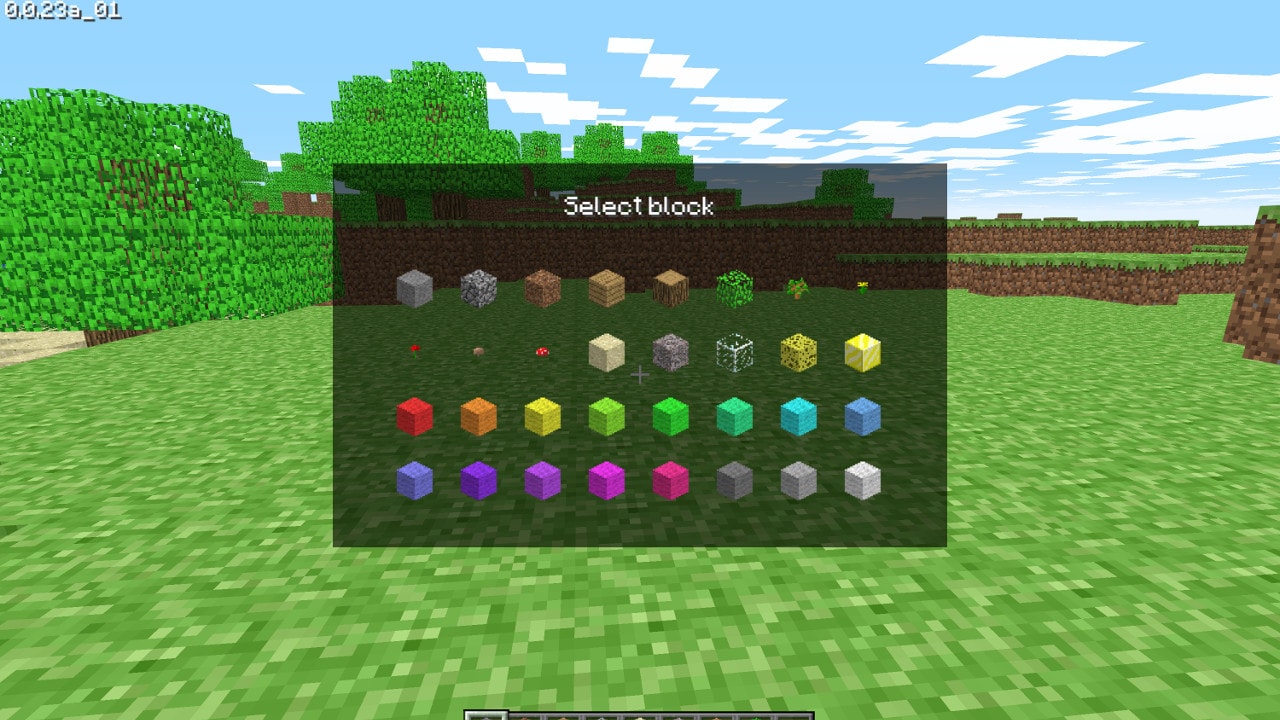
Build with the original Classic block set in Minecraft’s own browser edition.
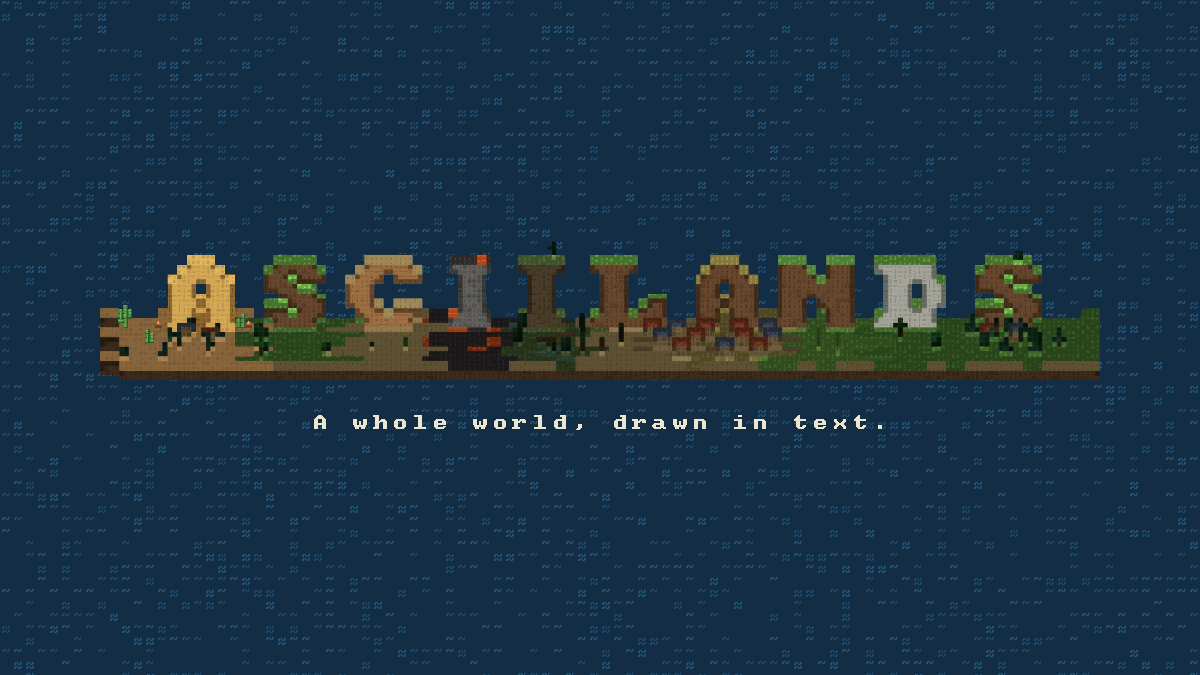
Explore an ASCII-rendered shared world, gather materials, craft equipment and build a settlement other players can discover.
Play in your browserOpens the community project in a new tab.Asciilands is an open-beta multiplayer sandbox for desktop and laptop browsers. Play as a guest or sign in with Discord; Discord links progress across devices and enables social features. The shared world and character progress are server-based, and the developer may reset the world during beta. Mobile support is not currently offered. Read the Controls settings before exploring, then use inventory crafting and the build catalog to establish a camp.
Project page & creditsProject information reviewed 2026-10-24. See the launch notes for where the game runs and which files it needs.
Play nowOpens in a new tabSandboxBuild with the original Classic block set in Minecraft’s own browser edition.
 Play nowOpens in a new tabStrategy
Found cities, research technology and guide a civilization through turn-based expansion, diplomacy and war.
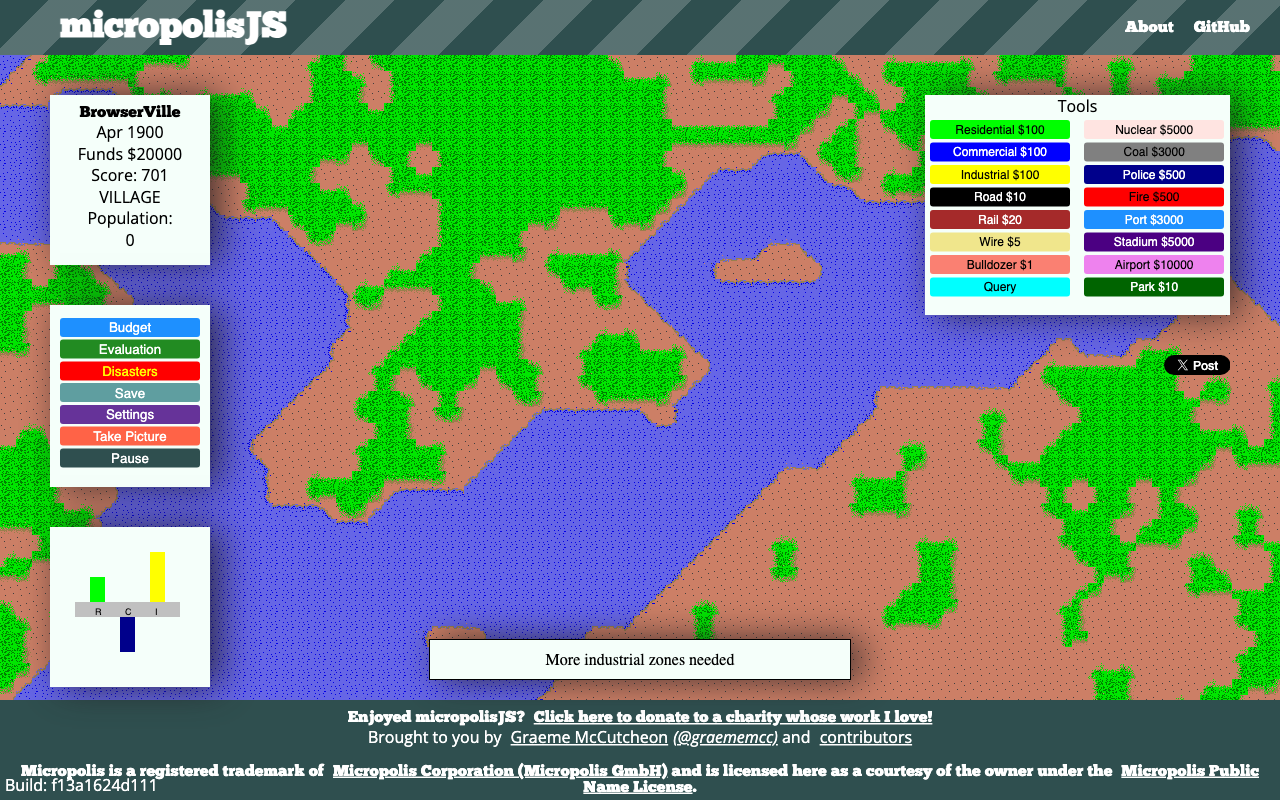
Zone a city, connect power and roads, and balance taxes, services and growth in a classic city simulator.
Bring your Vice City game data to a browser port and head back to the neon streets.