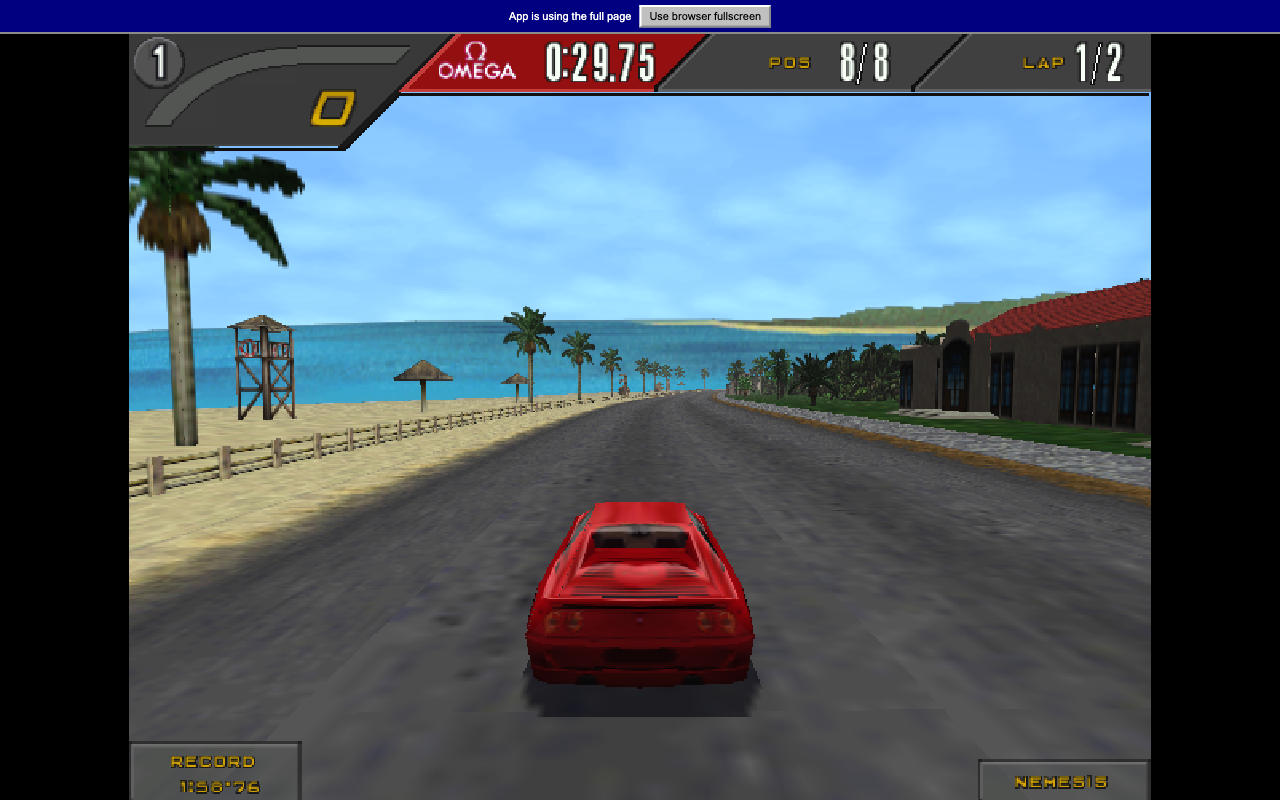
Need for Speed II SE Demo
Drive a 1990s supercar through a winding race course in the Need for Speed II SE browser demo.
Race through Bayview, tune your cars and explore career free roam in Underground 2 Revived, a browser port of the 2004 PC racing game.
Play in your browserOpens the community project in a new tab.Underground 2 Revived runs at nfsu2.xyz with WebGPU; the author tests Chrome and Firefox. The hosted game streams its data, so you do not select game files or install a launcher. Wait for Ready, review settings, then press Play and create a profile. Quick Race and Career are in the original game menus. Profiles save in this browser; the site offers backup/restore and optional cloud saves using a passphrase. Online races and the free-roam sharing option use the original project's server. This is an unofficial fan project.
Project page & creditsProject information reviewed 2026-10-31. See the launch notes for where the game runs and which files it needs.
Drive a 1990s supercar through a winding race course in the Need for Speed II SE browser demo.
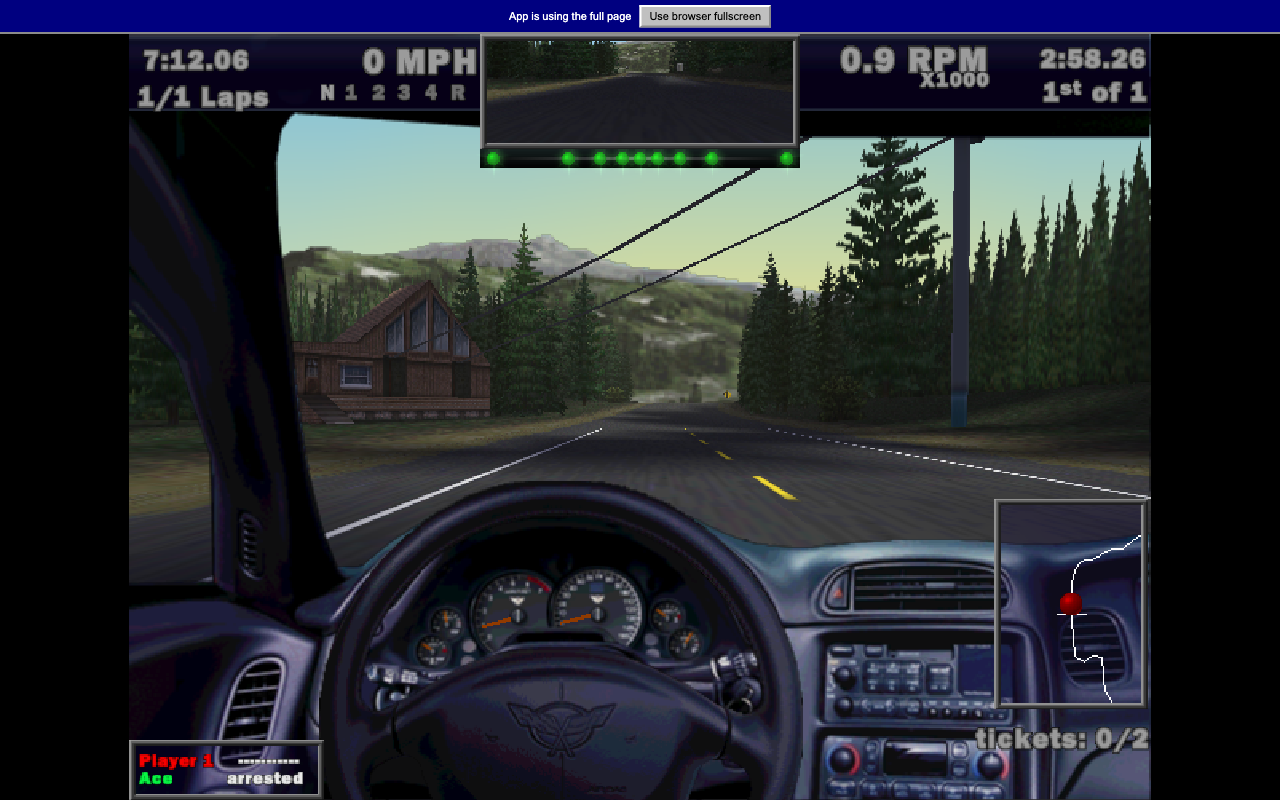
Drive a high-performance road car in the original Need for Speed III browser demo.
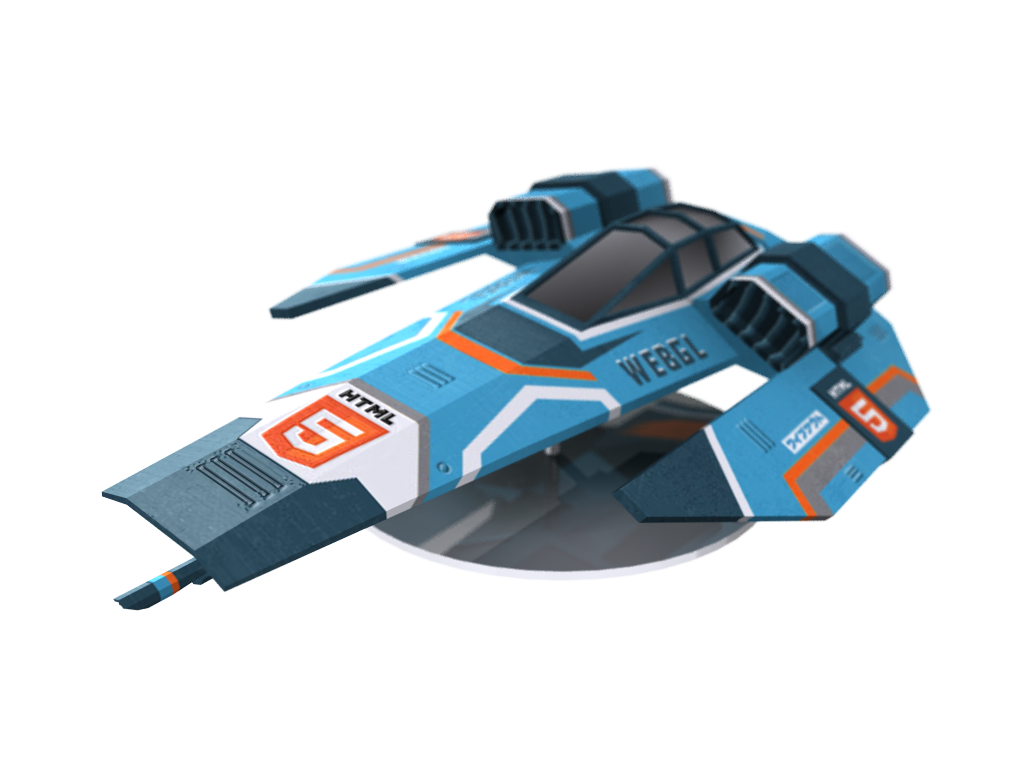
Pilot an anti-gravity racer over elevated city tracks, hit speed pads and chase a cleaner three-lap time.
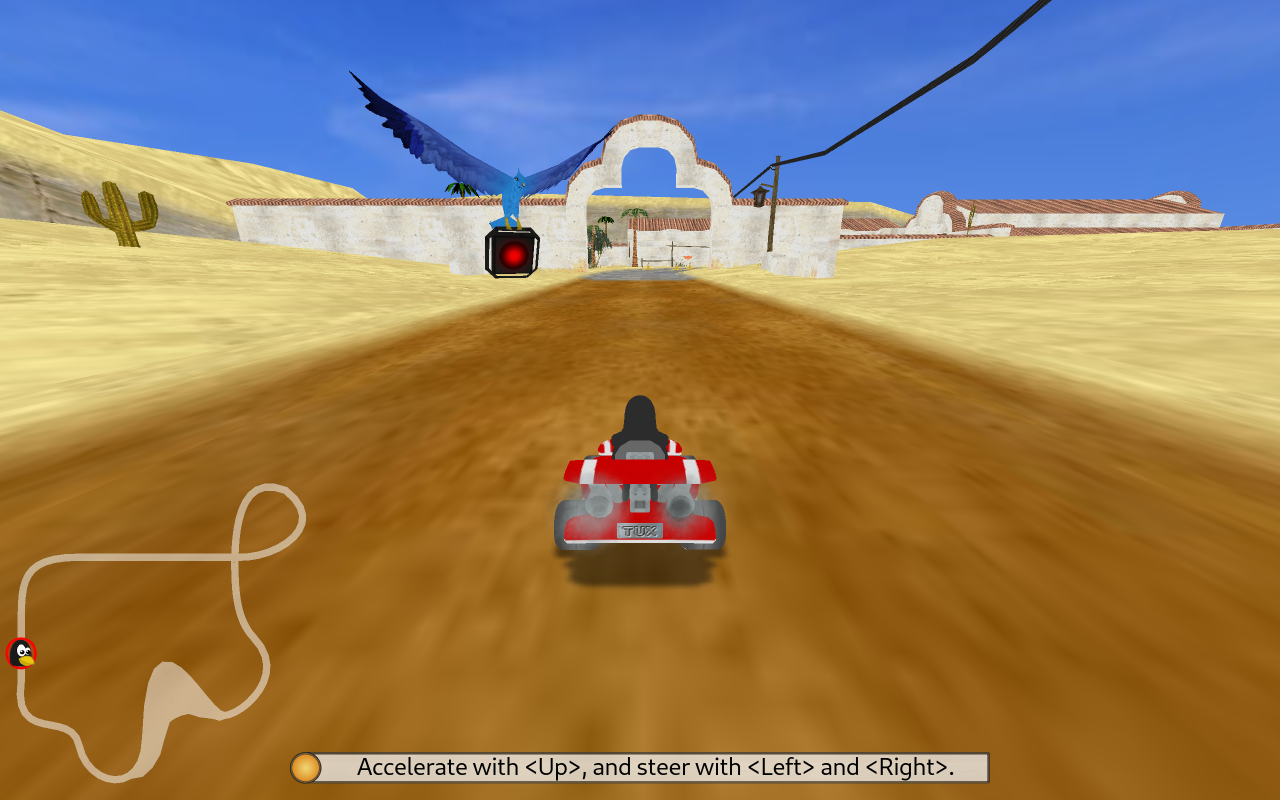
Race open-source mascots through colorful tracks, collect items and use boosts to catch the next kart.