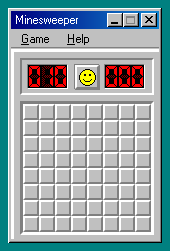
Minesweeper
Reveal safe squares by reading adjacent-mine counts, and flag suspected mines without clicking them.
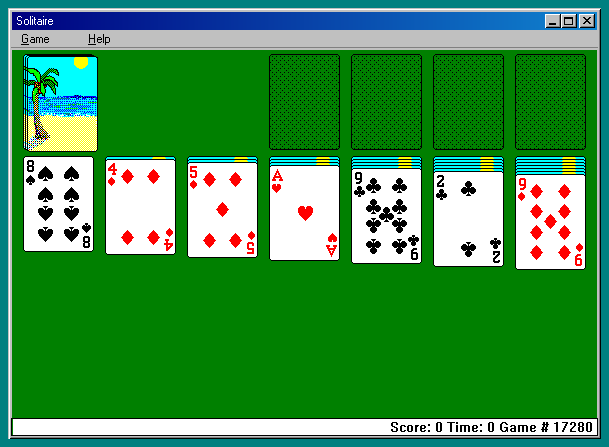
Build alternating-color columns, uncover hidden cards and move all four suits to their foundations in Klondike.
Play in your browserOpens the community project in a new tab.The Windows Solitaire entry is Klondike, running with the original card faces through Wine-Assembly. Arrange the tableau in descending rank and alternating colors, then build each foundation from Ace to King by suit. The Game menu controls draw and scoring options. Uncovering face-down cards often matters more than moving a convenient card immediately to a foundation.
Project page & creditsProject information reviewed 2026-10-16. The game runs on the linked project’s website.
Reveal safe squares by reading adjacent-mine counts, and flag suspected mines without clicking them.
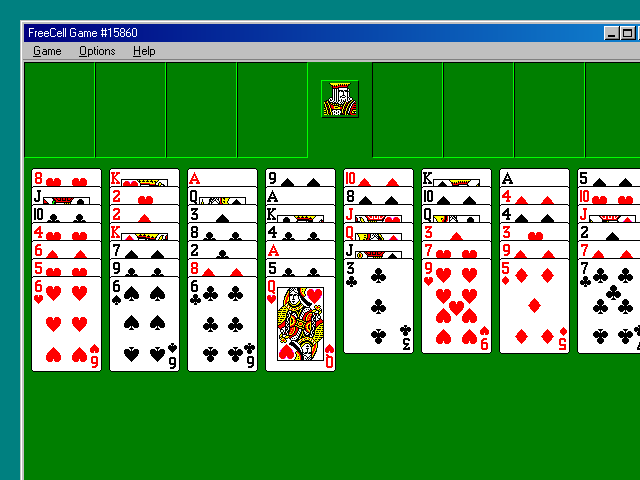
Use four temporary cells to rearrange a fully visible deal and build each suit from Ace to King.
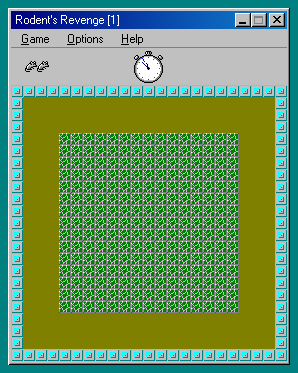
Push blocks to trap pursuing cats, then collect the cheese they leave without boxing yourself in.
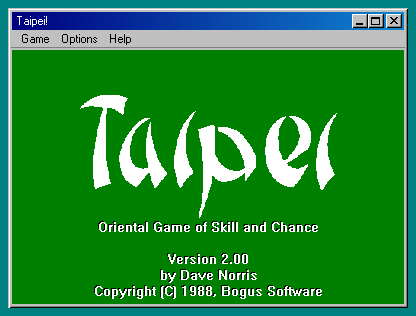
Remove pairs of matching free tiles and uncover the layers of a classic mahjong-solitaire turtle layout.