Minesweeper
Reveal safe squares by reading adjacent-mine counts, and flag suspected mines without clicking them.
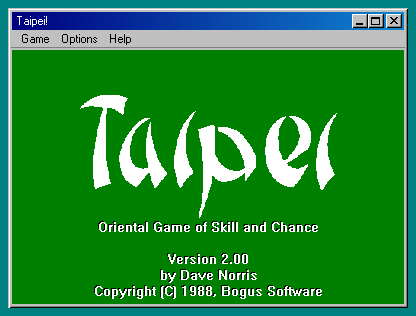
Remove pairs of matching free tiles and uncover the layers of a classic mahjong-solitaire turtle layout.
Play in your browserOpens the community project in a new tab.Taipei is a single-player tile-removal puzzle, not four-player competitive mahjong. Wine-Assembly runs the Entertainment Pack version with its 144-tile turtle arrangement. A tile must be uncovered and free on at least one side before you can select it. Removing an obvious pair can block a later route, so compare which tiles each choice will expose.
Project page & creditsProject information reviewed 2026-10-16. The game runs on the linked project’s website.
Reveal safe squares by reading adjacent-mine counts, and flag suspected mines without clicking them.
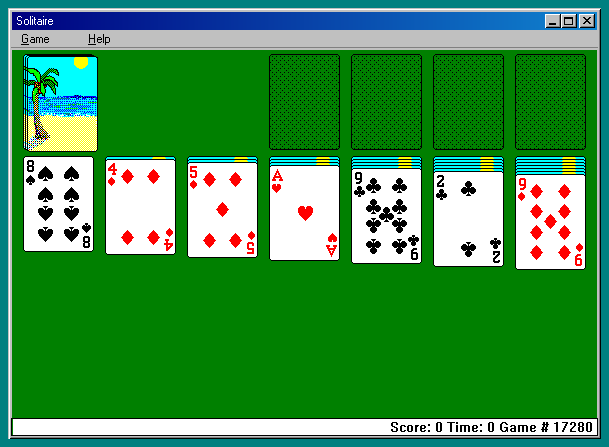
Build alternating-color columns, uncover hidden cards and move all four suits to their foundations in Klondike.
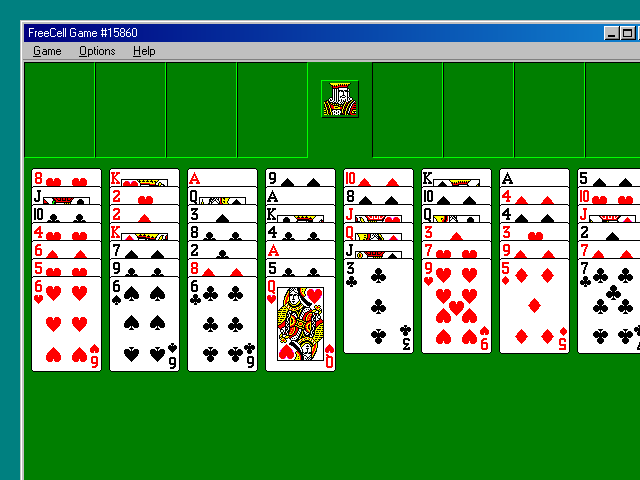
Use four temporary cells to rearrange a fully visible deal and build each suit from Ace to King.
Push blocks to trap pursuing cats, then collect the cheese they leave without boxing yourself in.